Photo editing tutorials
Each guide comes with the photo it uses: open it in the editor and do the steps as you read.
Tools and workspace
Open, save and recover your work, find tools, and control the editor.
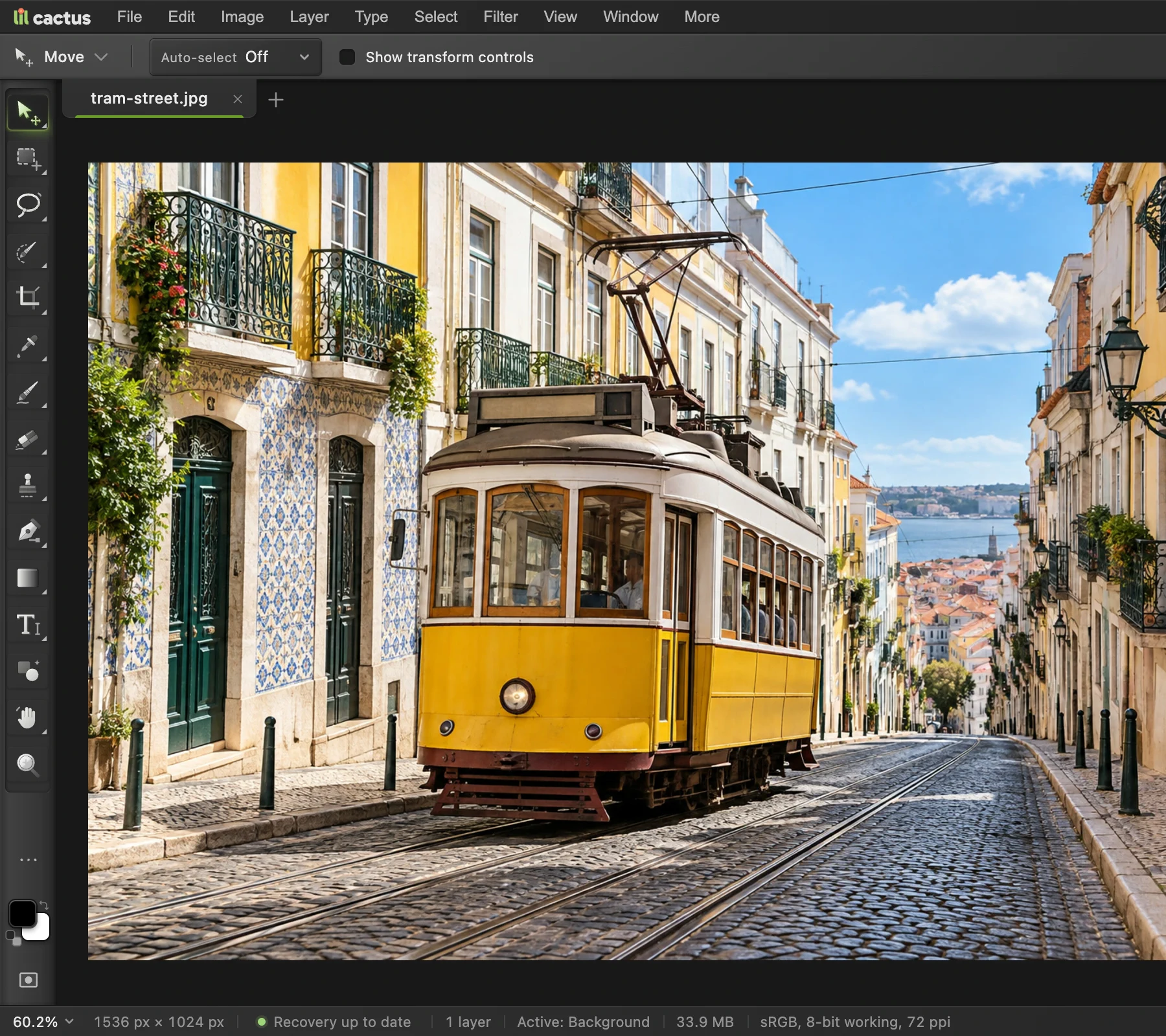 How to use Lil Cactus: your first photo editYour first edit, from opening a photo to saving the result.Beginner · 5 min
 How to save and export an image in Lil CactusKeep an editable master and make a separate image to share.Beginner · 5 min
 How to recover unsaved work in Lil CactusRestore a browser recovery copy and save an editable project.Beginner · 4 min
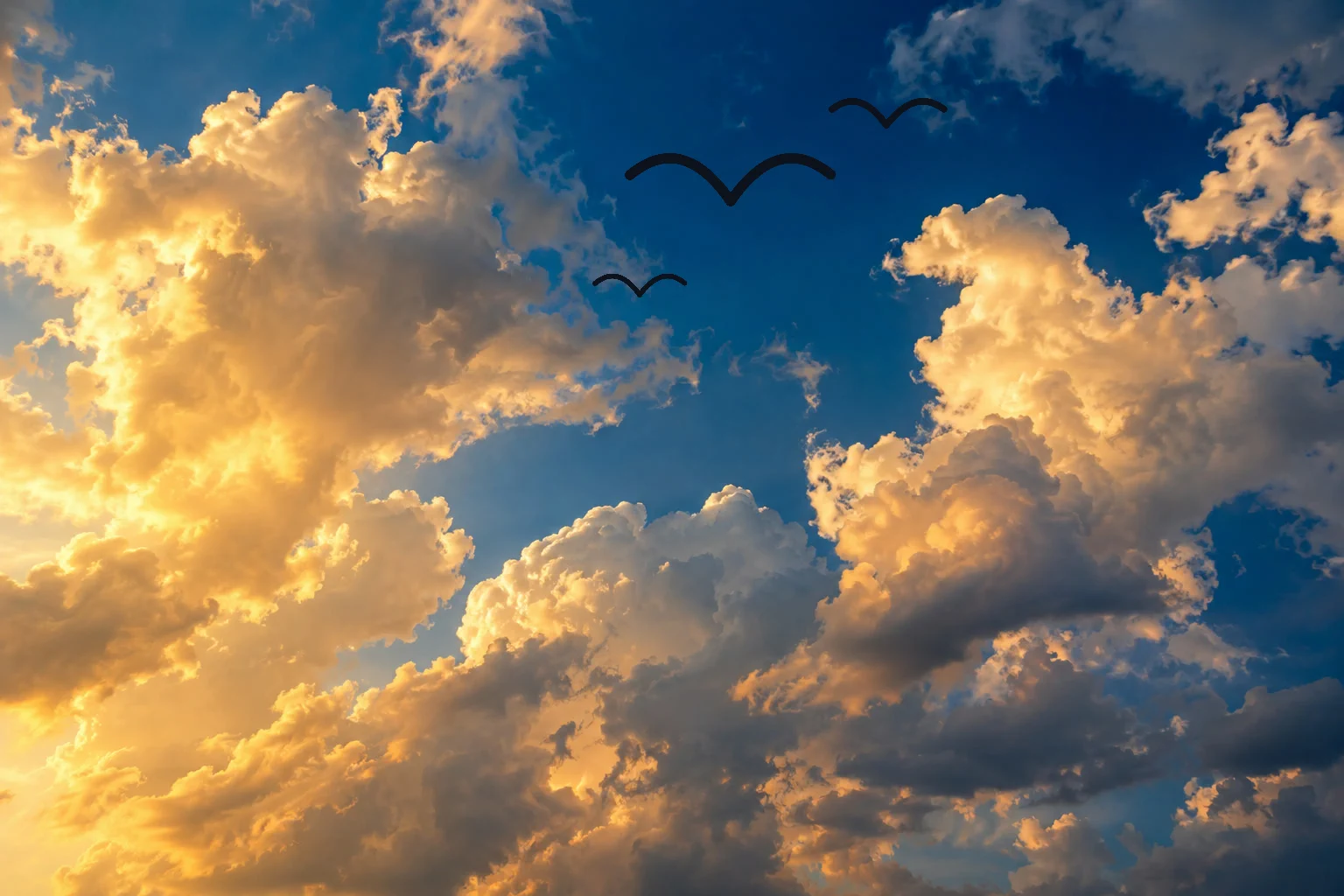 How to paint with the Brush toolPaint on a layer, control the tip and save a brush preset.Beginner · 6 min
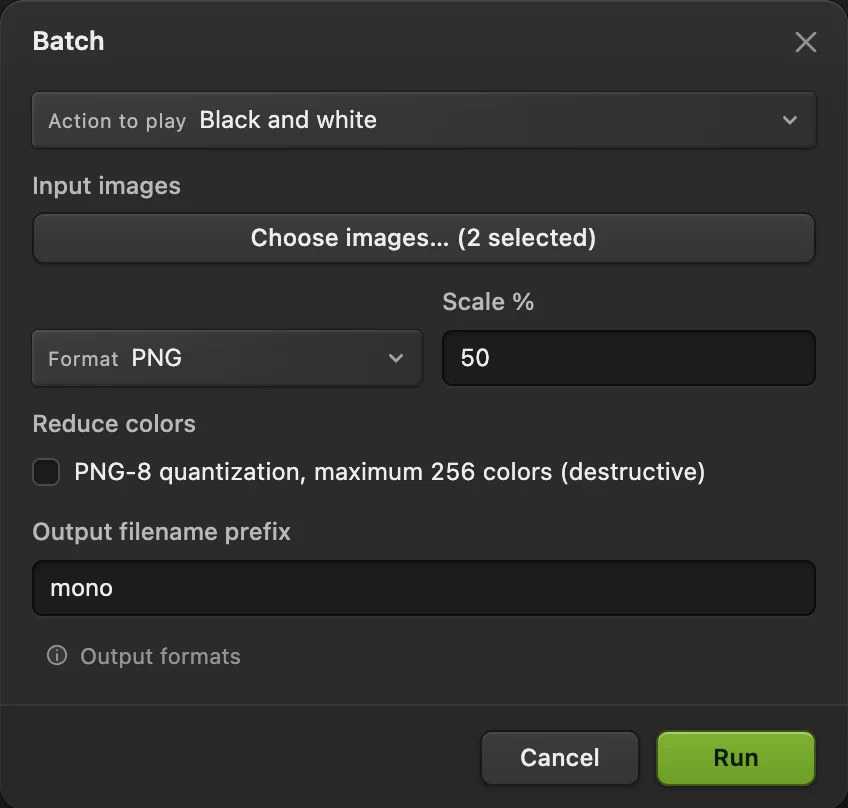 How to record actions and batch edit photosRecord a reusable edit, then apply it to a set of photos.Intermediate · 6 min
 How to use Eraser and Background EraserErase by hand or target a background color, while keeping a copy.Beginner · 6 min
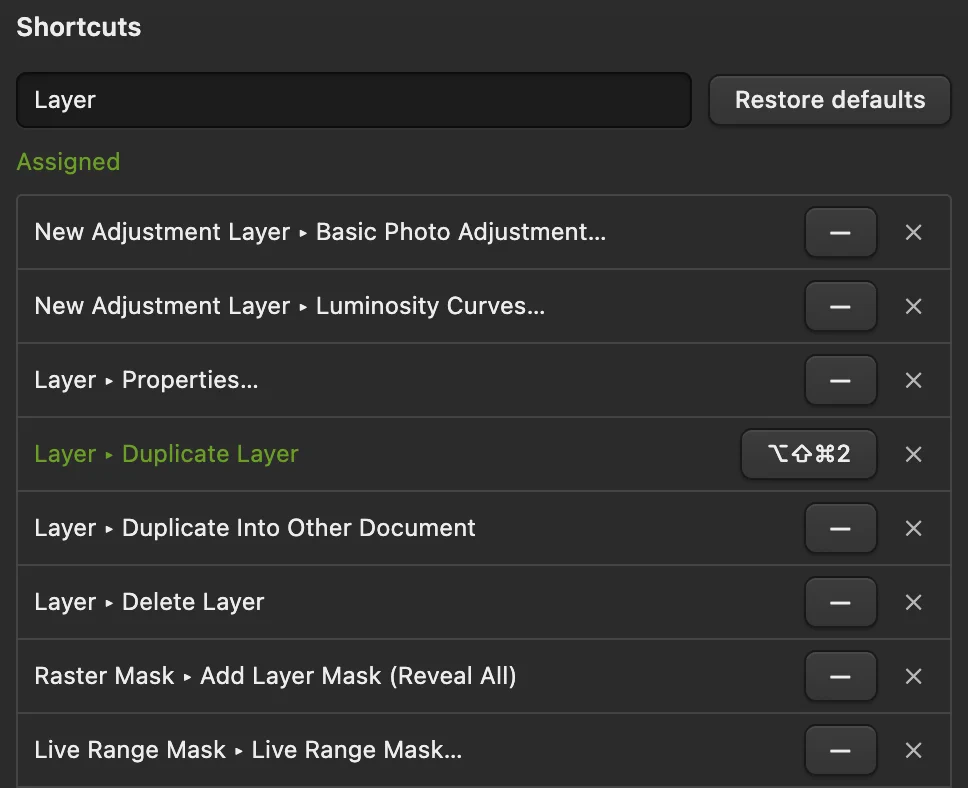 Lil Cactus keyboard shortcuts for Windows and MacLook up commands, learn tool letters and change your shortcuts.Beginner · 6 min
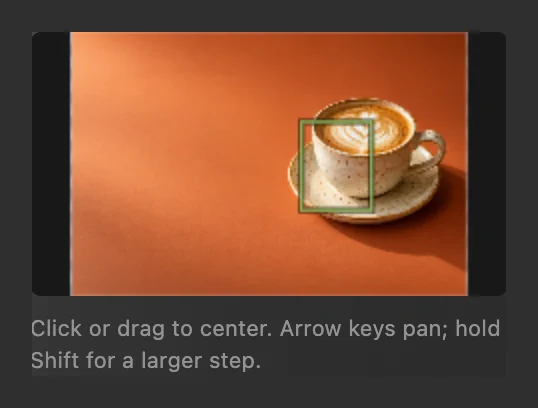 How to zoom, pan and rotate the view in Lil CactusInspect details, move around a large photo and reset the view.Beginner · 5 min
 How to undo edits and use History Brush in Lil CactusUndo edits, revisit states and repair an area with History Brush.Beginner · 6 min
Cut-outs and backgrounds
Remove backgrounds and make transparent images.
 How to remove the background from a photoSelect Subject, a layer mask and a transparent PNG.Beginner · 3 min
 How to change the background of a photoPut a cut-out on a new background and match the light and color.Beginner · 8 min
 How to make a signature or logo background transparentLift a signature or logo off white or paper.Beginner · 3 min
 How to use the Pen tool to cut out an objectPrecise, smooth outlines for cut-outs, selections and shapes.Intermediate · 8 min
 How to replace the sky in a photoPut a new sky behind a landscape without erasing the original.Intermediate · 8 min
Resize and convert
Exact sizes for web, social and print, and every common format.
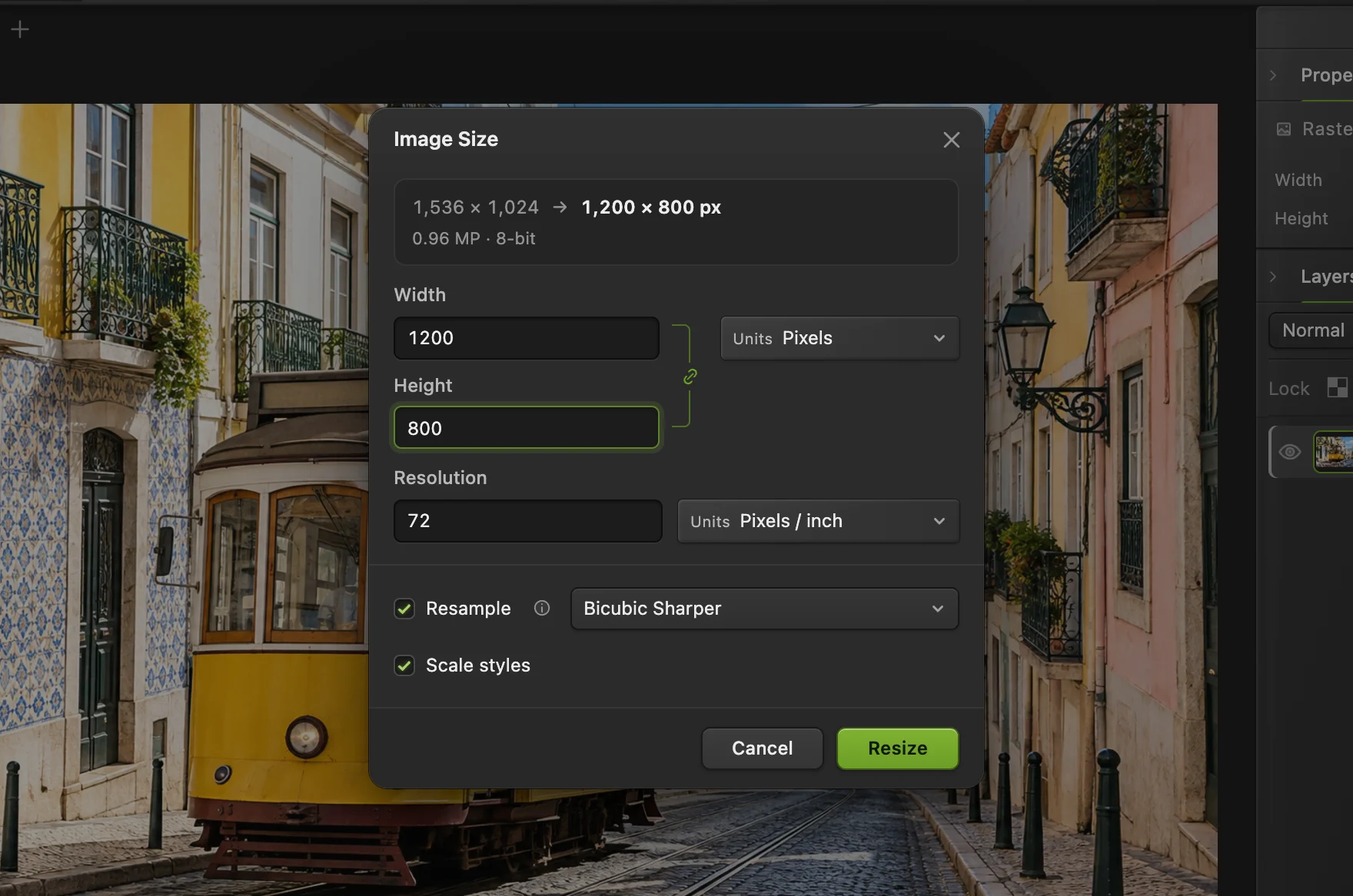 How to resize an image online to exact pixels or print sizeExact pixels, percent or print size, without stretching.Beginner · 2 min
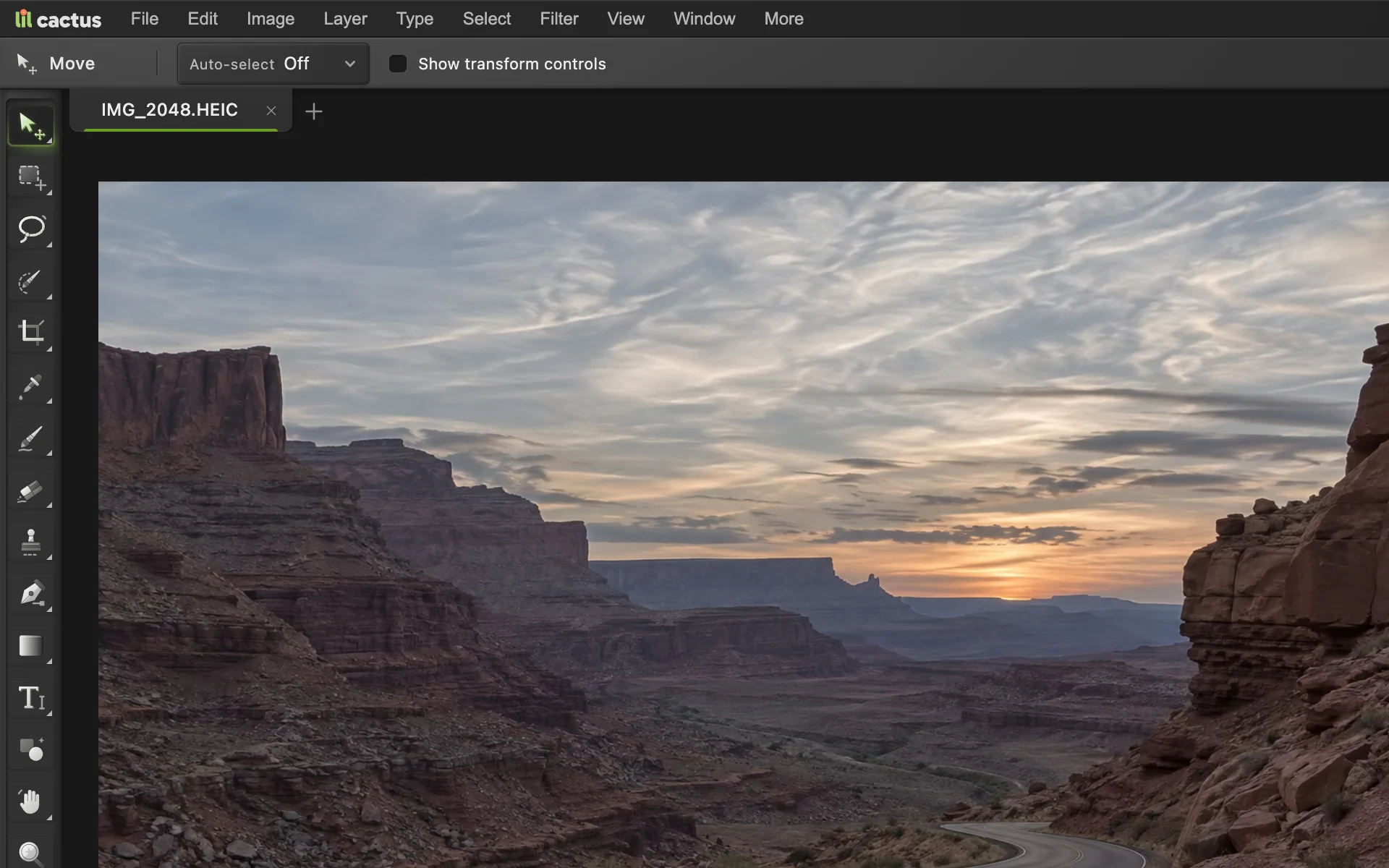 How to convert HEIC, WebP and PNG to JPG onlineConvert HEIC, WebP or PNG to JPG, or choose another image format.Beginner · 2 min
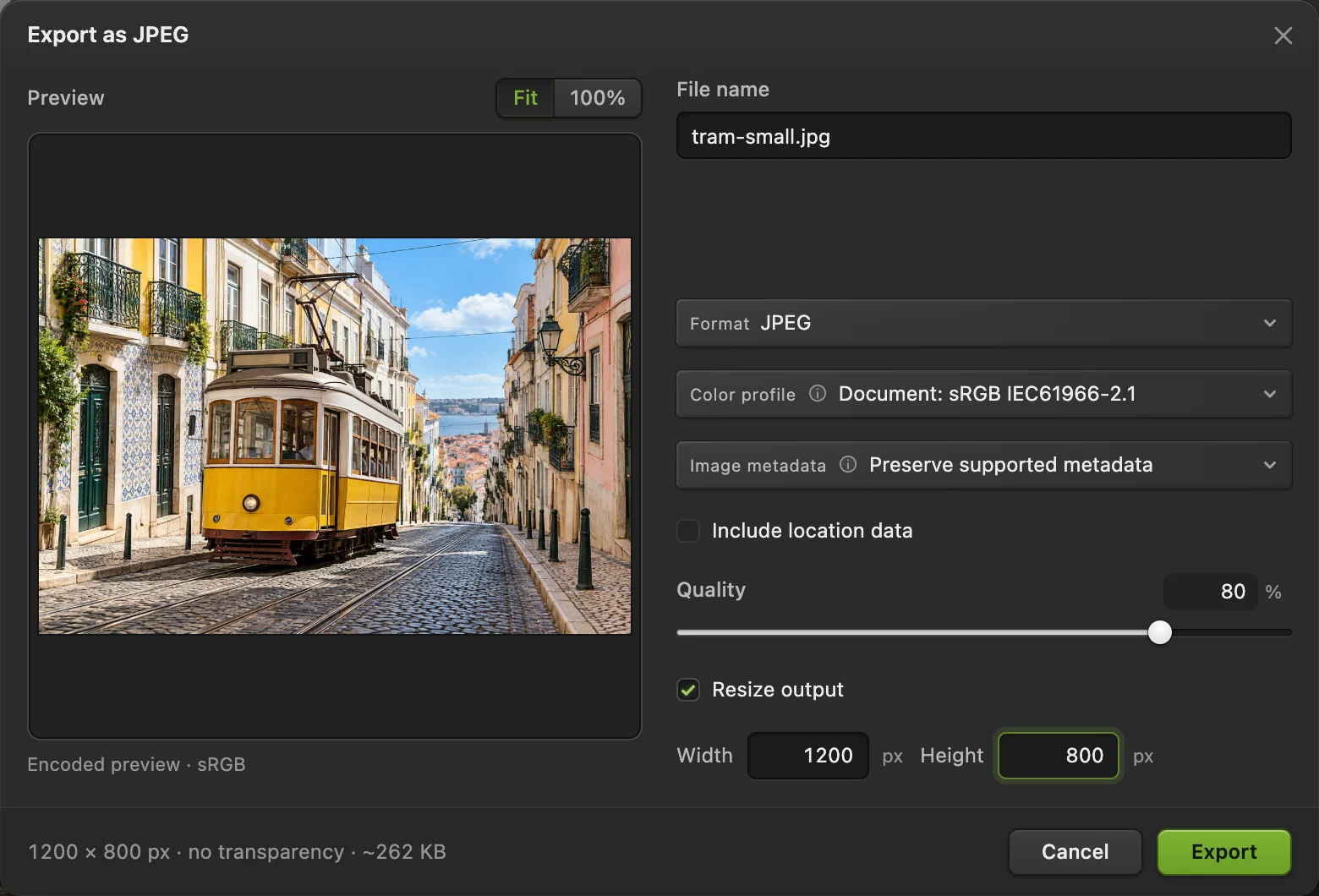 How to compress an image to 100 KB or 200 KBLower the file size, check the detail, and fit an upload limit.Beginner · 3 min
 How to crop an imageChoose what stays in the frame, then set the shape and size.Beginner · 6 min
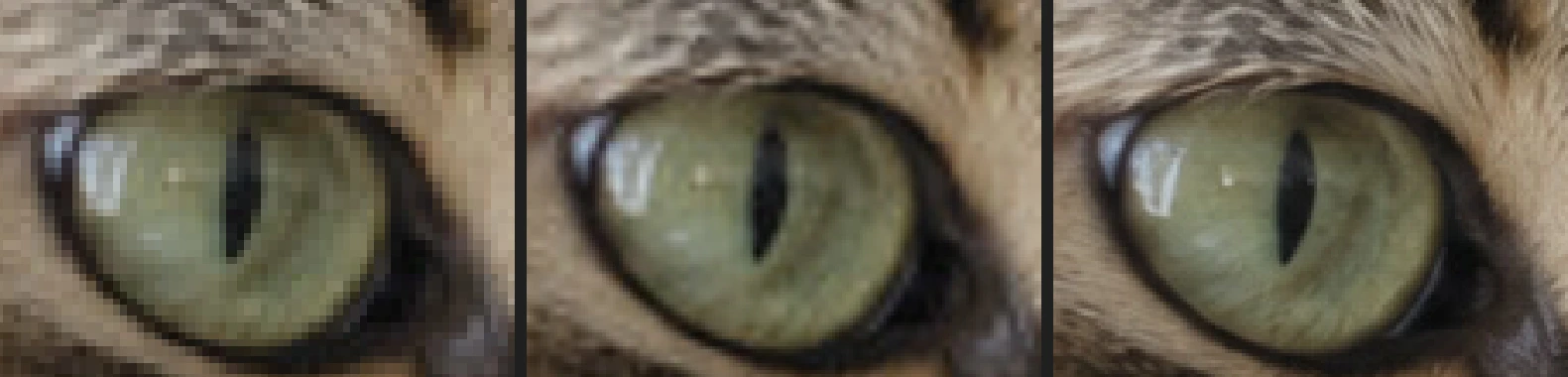 How to upscale an image without it turning blockyA bigger image that stays as crisp as resampling allows.Beginner · 4 min
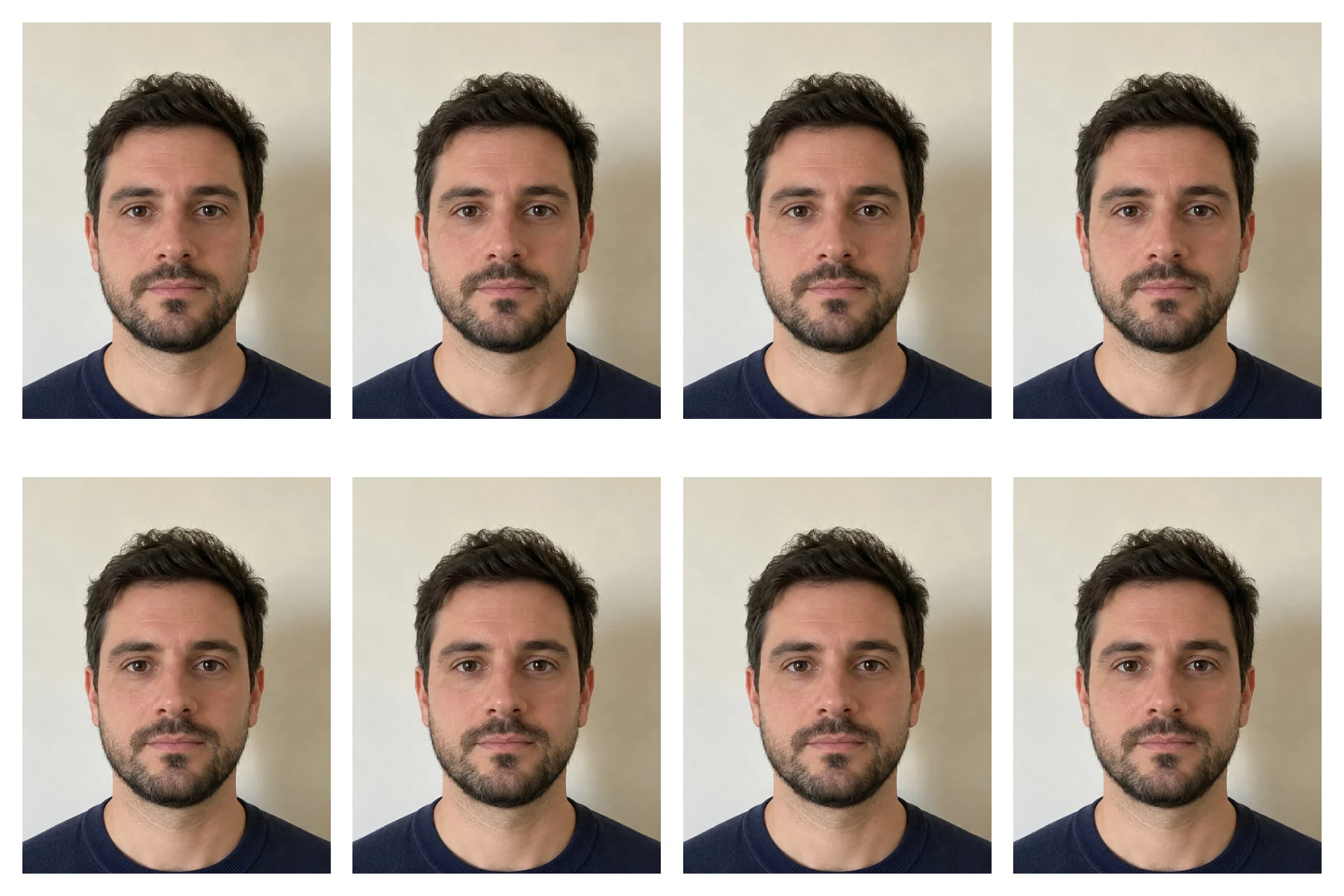 How to make a passport photo at homeAn exact 35 × 45 mm photo and a sheet of eight to print.Intermediate · 8 min
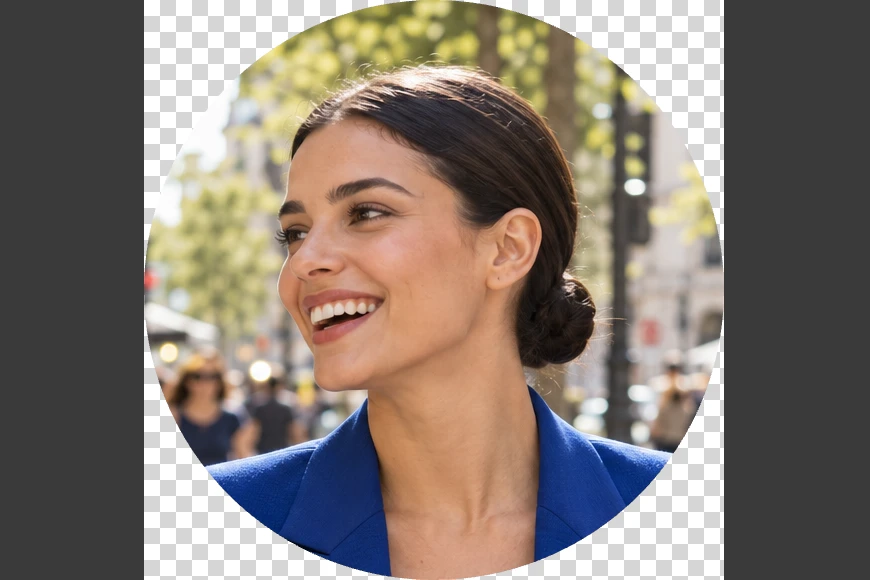 How to crop a photo into a circleA round picture with transparent corners, ready to upload.Beginner · 4 min
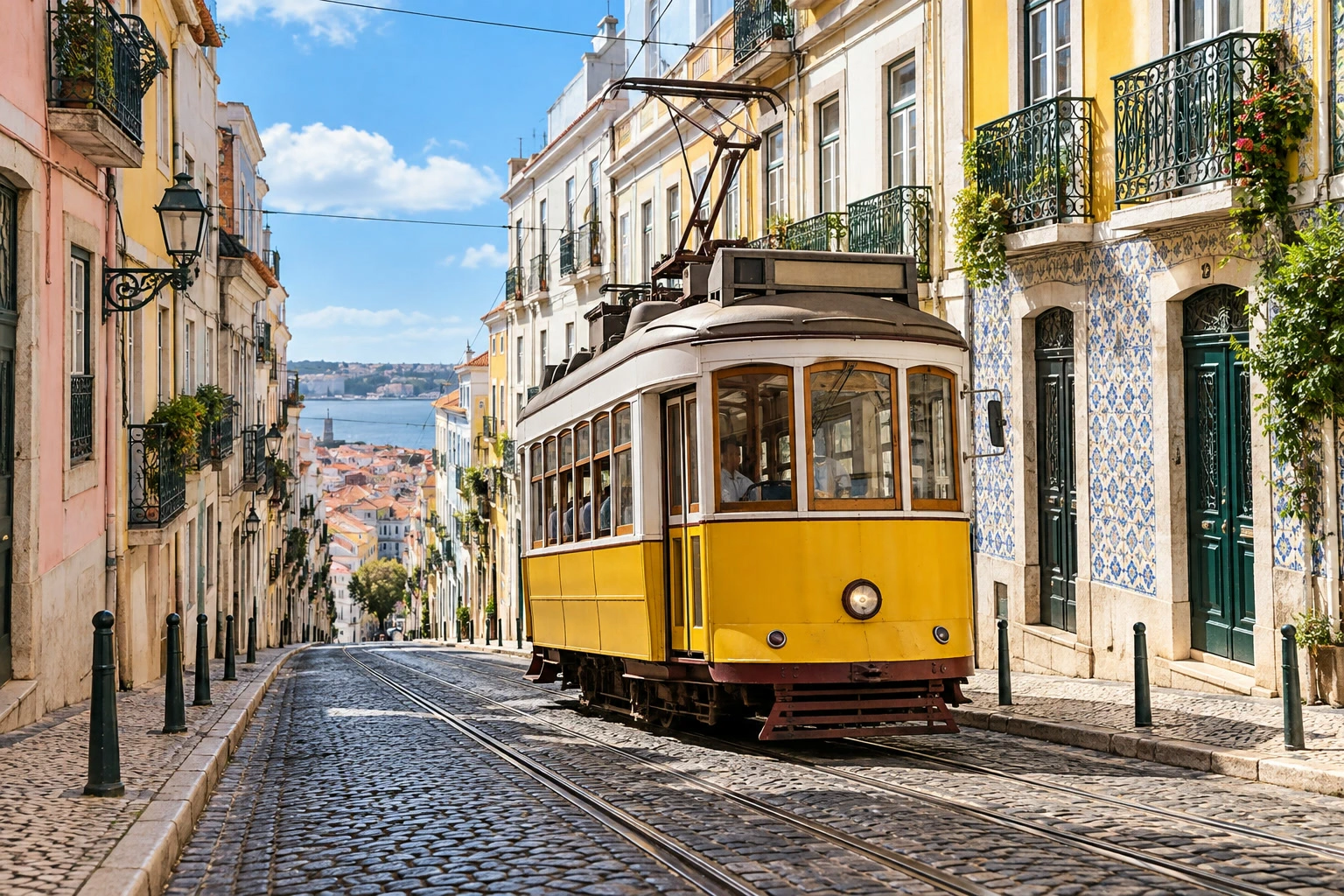 How to flip, rotate or straighten an imageMirror a photo, correct its orientation or level the horizon.Beginner · 4 min
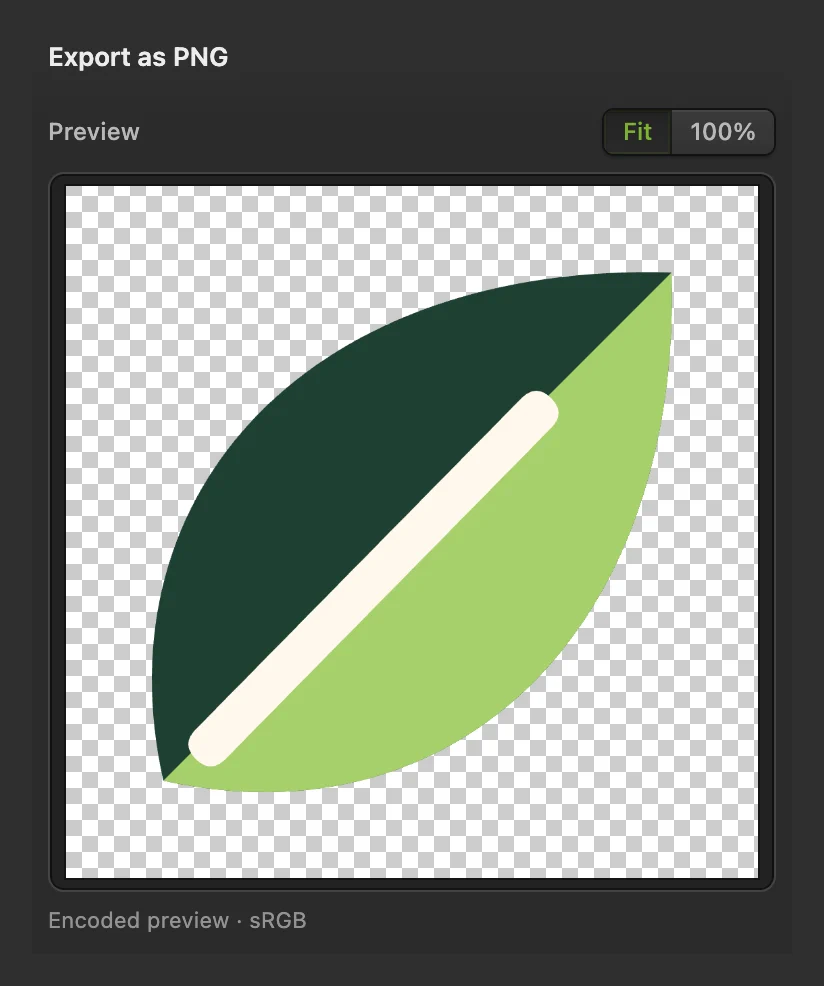 How to convert SVG to PNGExport a transparent PNG from an SVG at the pixel size you need.Beginner · 4 min
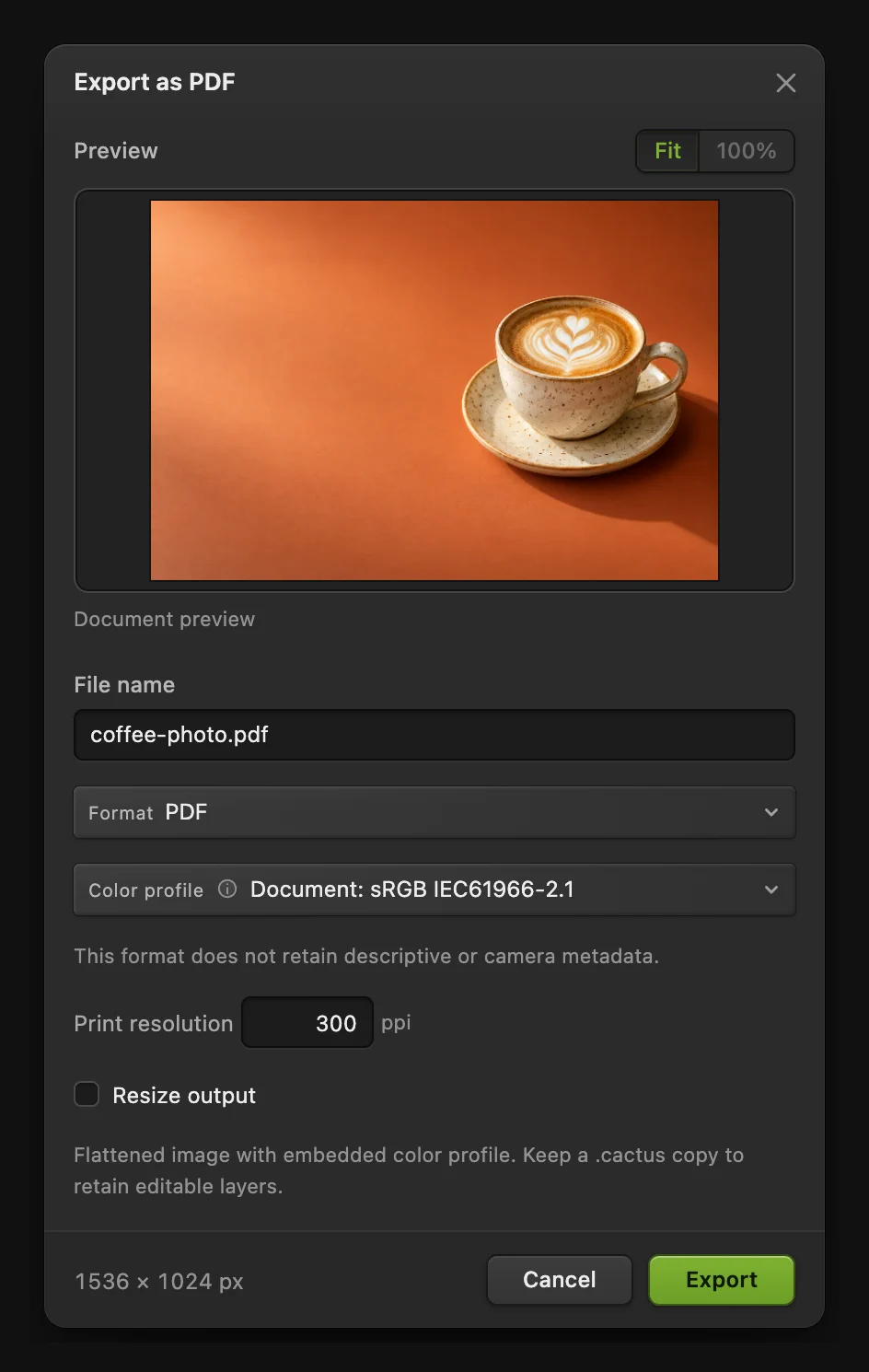 How to convert a JPG or PNG image to PDFPut a photo on a PDF page and choose how large that page is.Beginner · 3 min
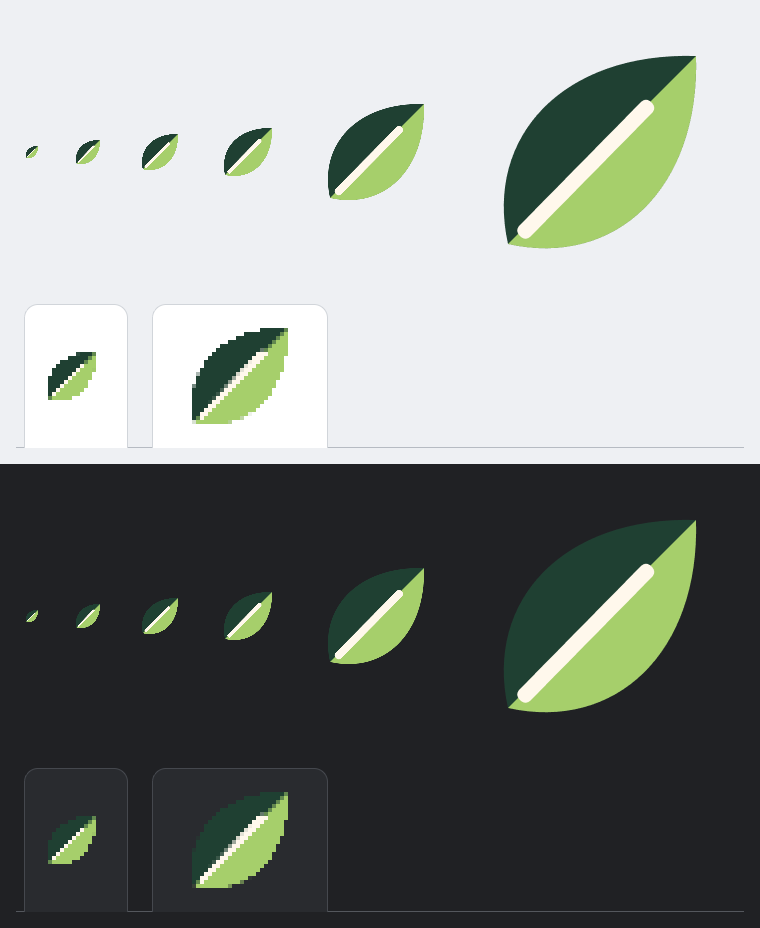 How to create a favicon ICO fileMake one ICO file containing six square icon sizes.Beginner · 4 min
Retouch and repair
Remove objects and blemishes, fix red eye and restore old photos.
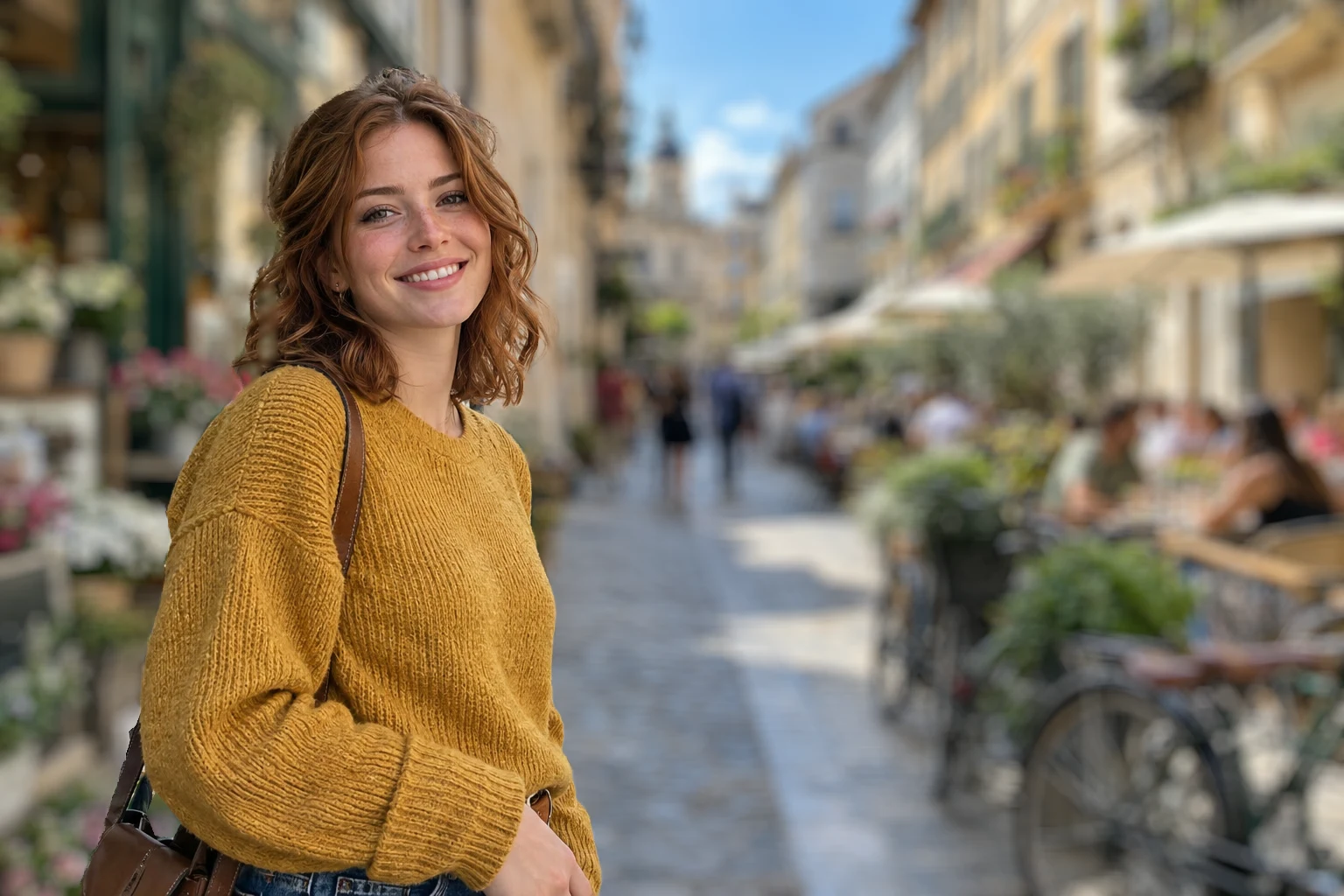 How to blur the background of a photoA camera-like background blur with no glow around the subject.Intermediate · 6 min
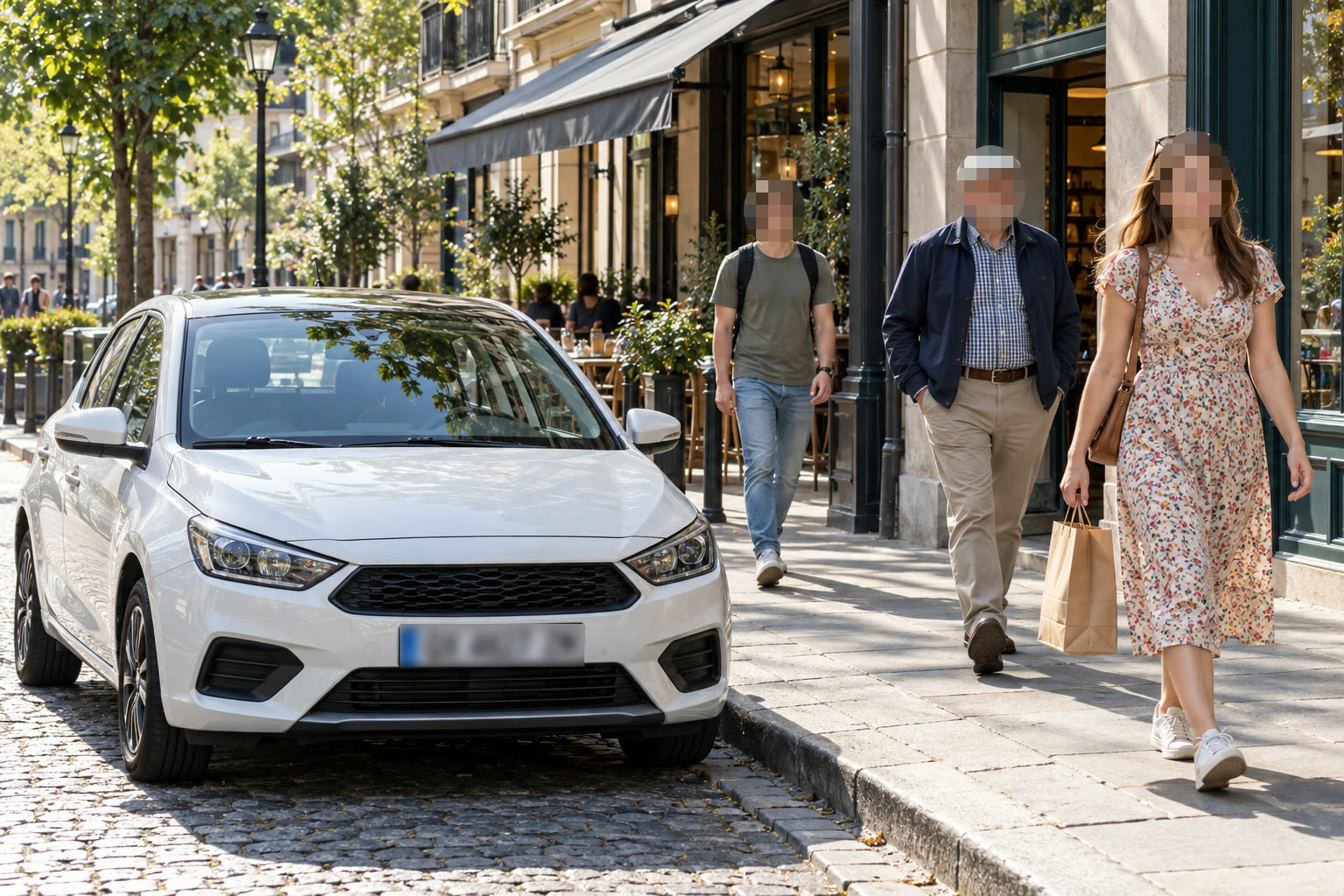 How to blur or pixelate faces in a photoFaces and plates hidden before a photo goes online.Beginner · 5 min
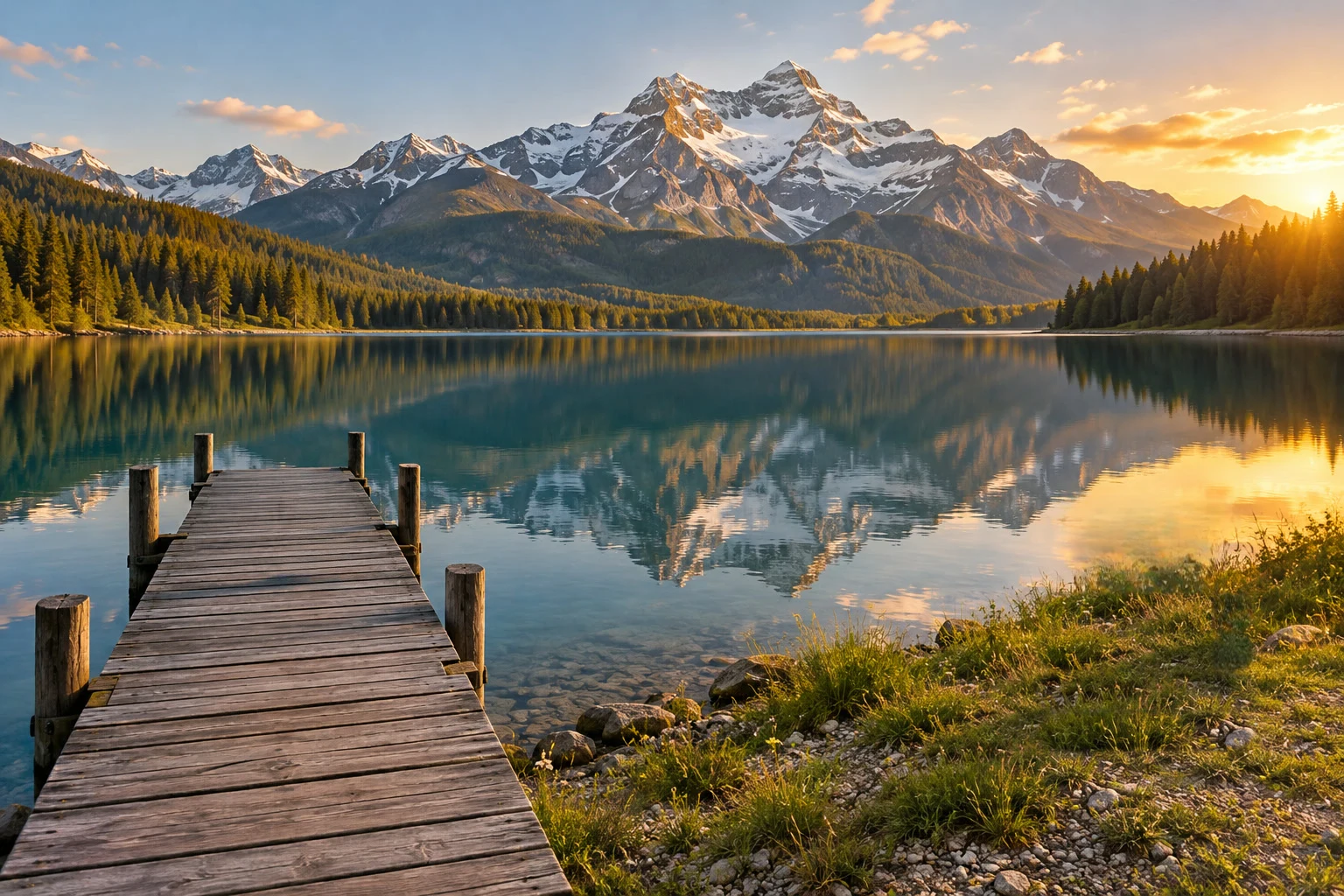 How to remove an object from a photo onlineOutline the object and let the editor fill in what was behind it.Beginner · 6 min
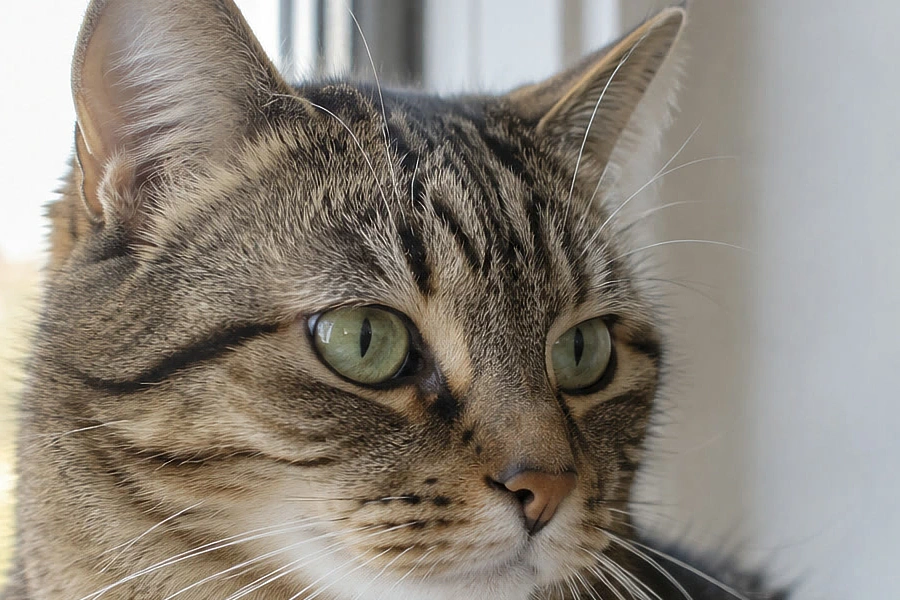 How to sharpen a photo without halosSmart Sharpen at 100%, without halos or crunchy grain.Intermediate · 6 min
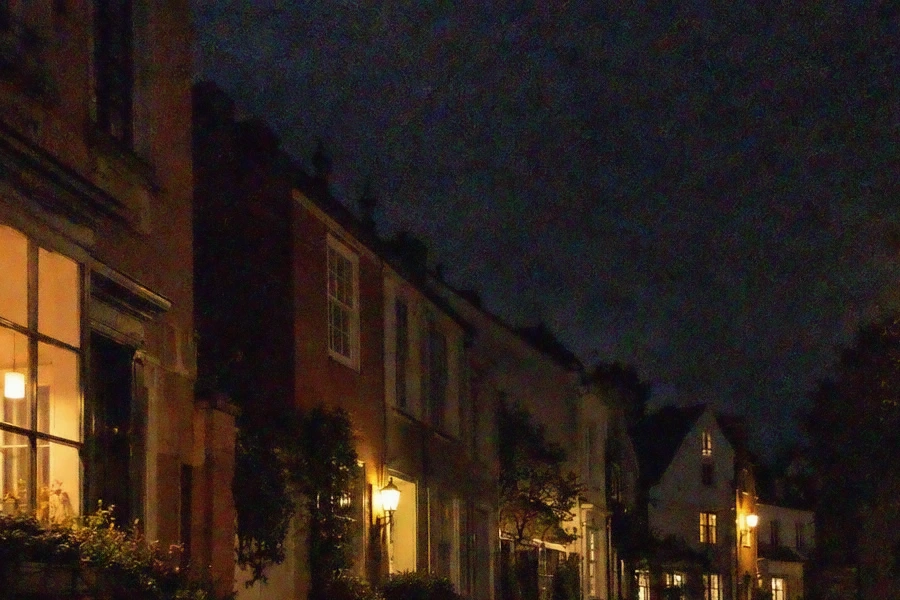 How to reduce noise in a photoClean up grain and color speckles from night and high-ISO shots.Intermediate · 6 min
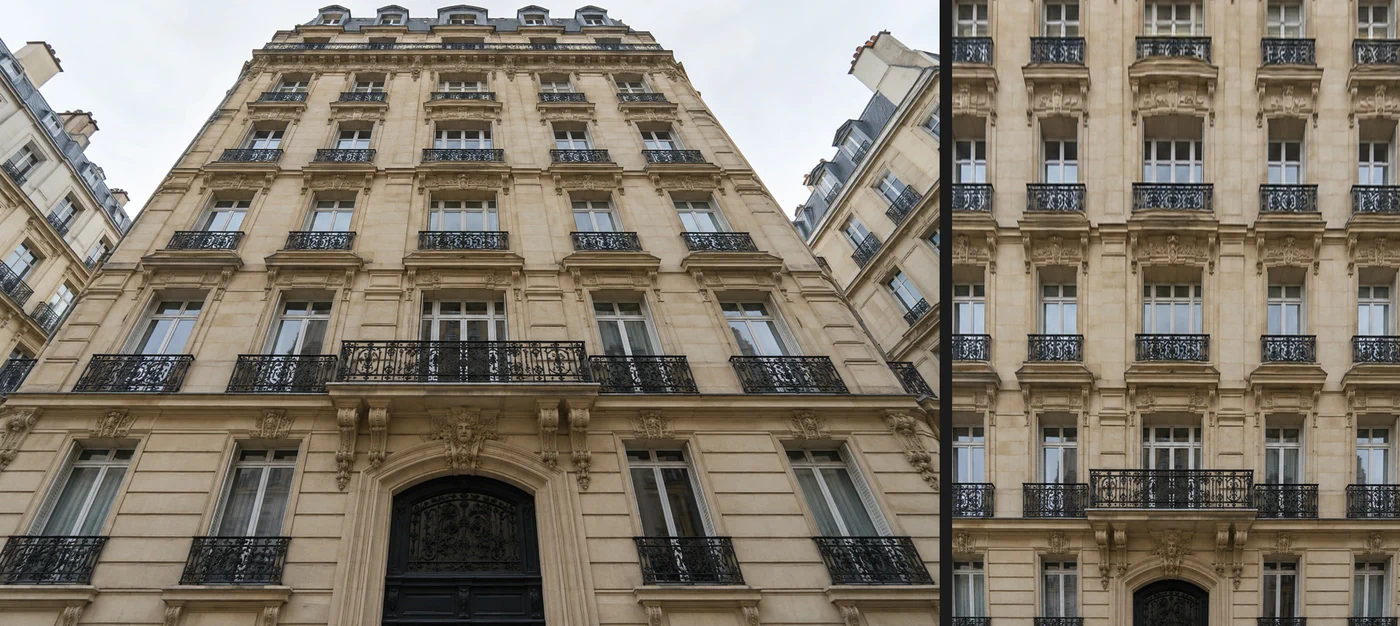 How to fix perspective and straighten buildings in a photoStraighten leaning buildings and get a square-on facade.Intermediate · 5 min
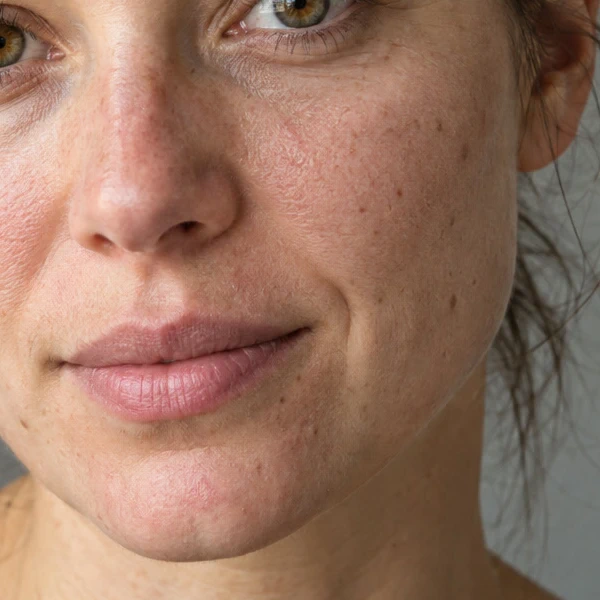 How to retouch skin with frequency separationEven out skin tone and remove blemishes while keeping texture.Advanced · 12 min
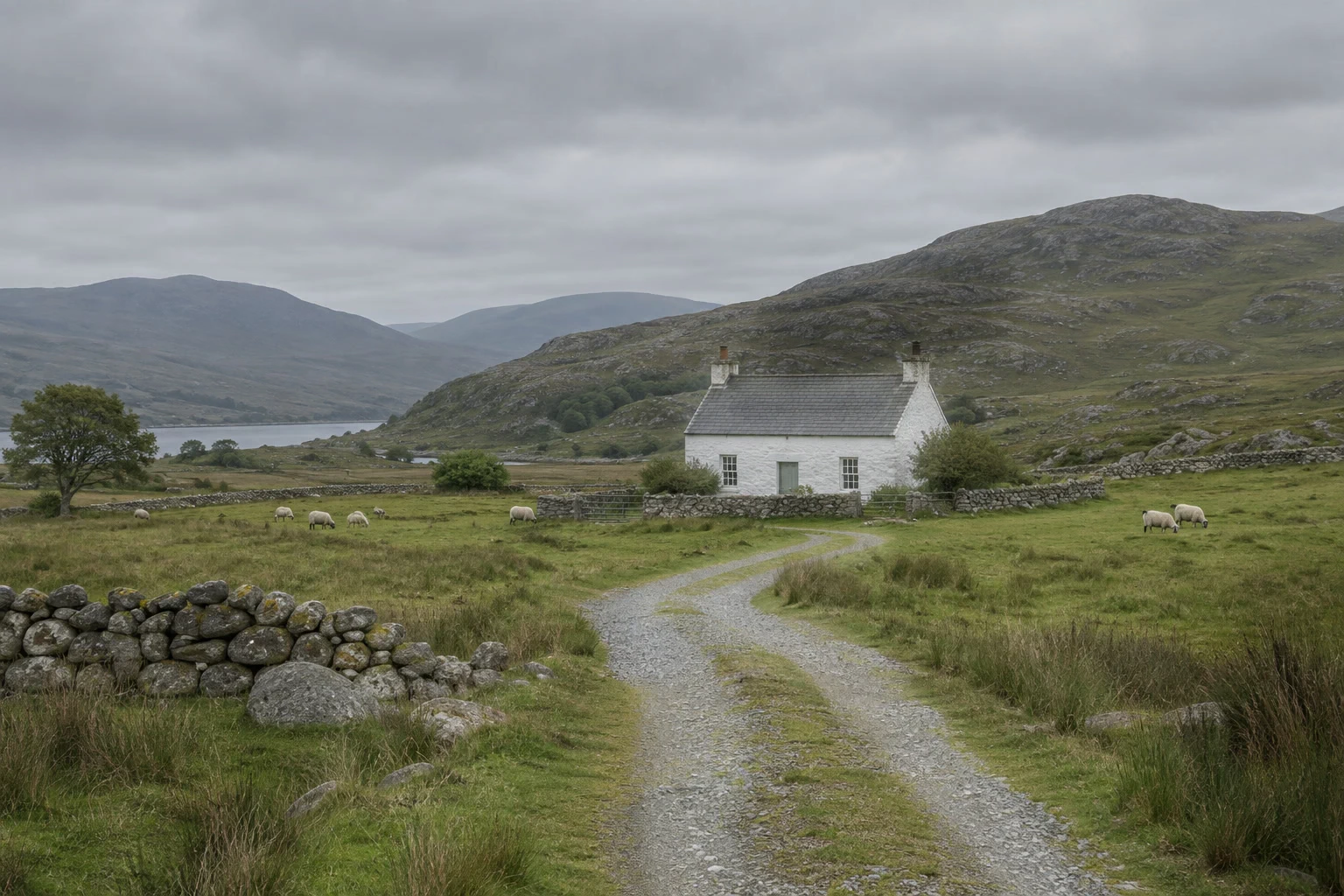 How to dodge and burn a photo without damaging itPaint light and shadow onto a separate Soft Light layer.Intermediate · 6 min
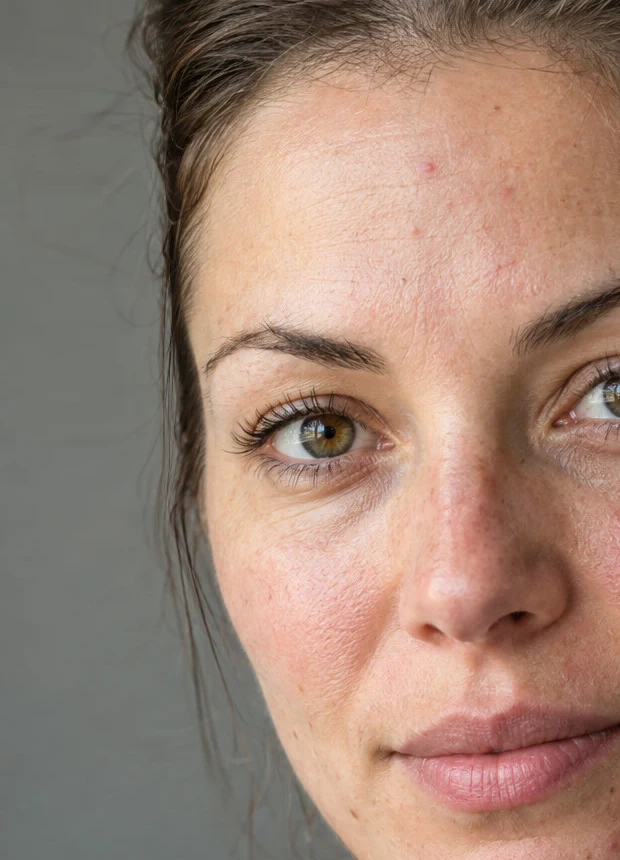 How to use Liquify to tidy hair and reshape small detailsPush small details into place without warping what is next to them.Intermediate · 6 min
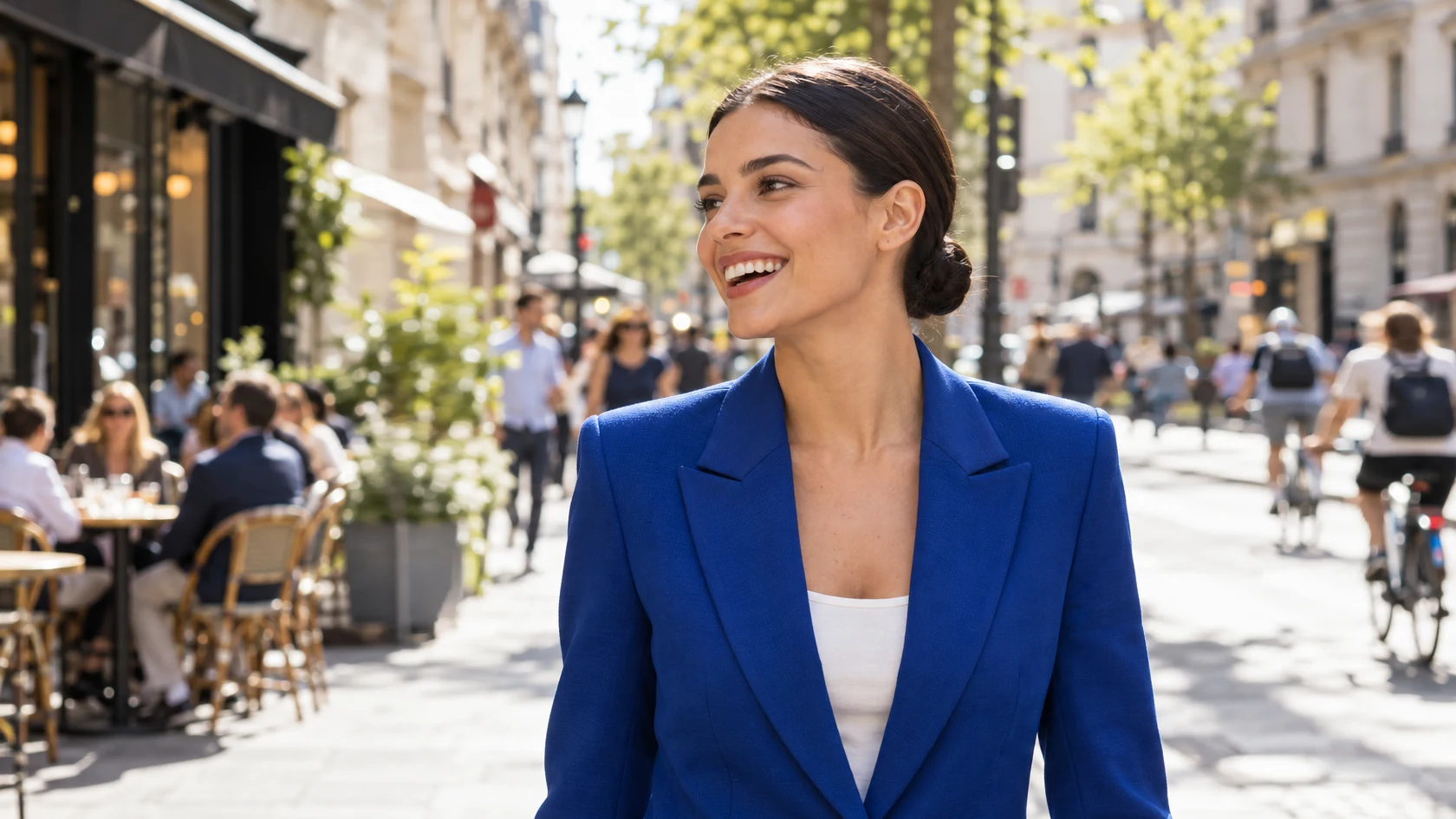 How to change a photo’s aspect ratio without stretching peopleWiden the background, keep the person exactly as they were.Intermediate · 6 min
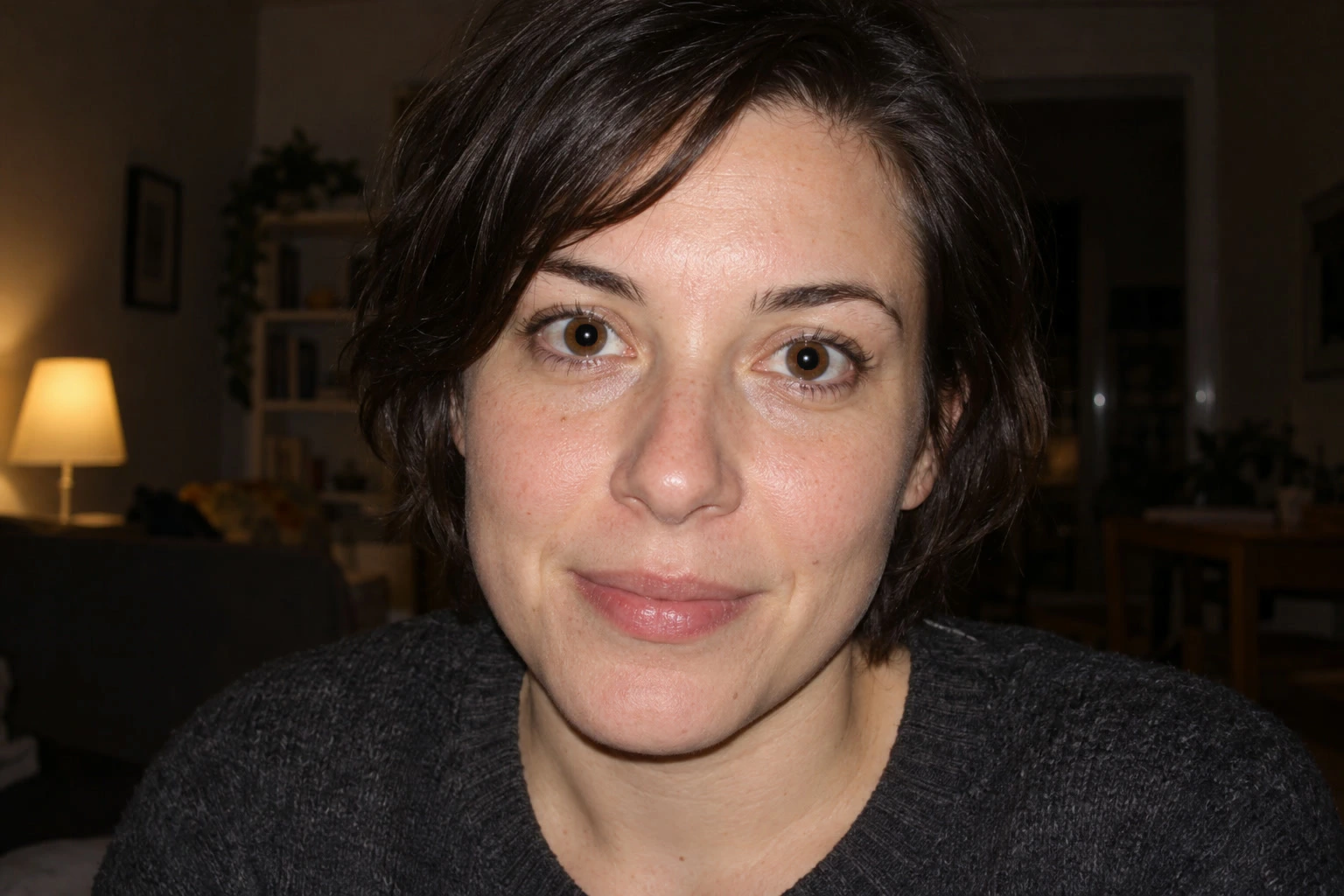 How to remove red eye from a photoTarget red pupils without painting over the whole eye.Beginner · 3 min
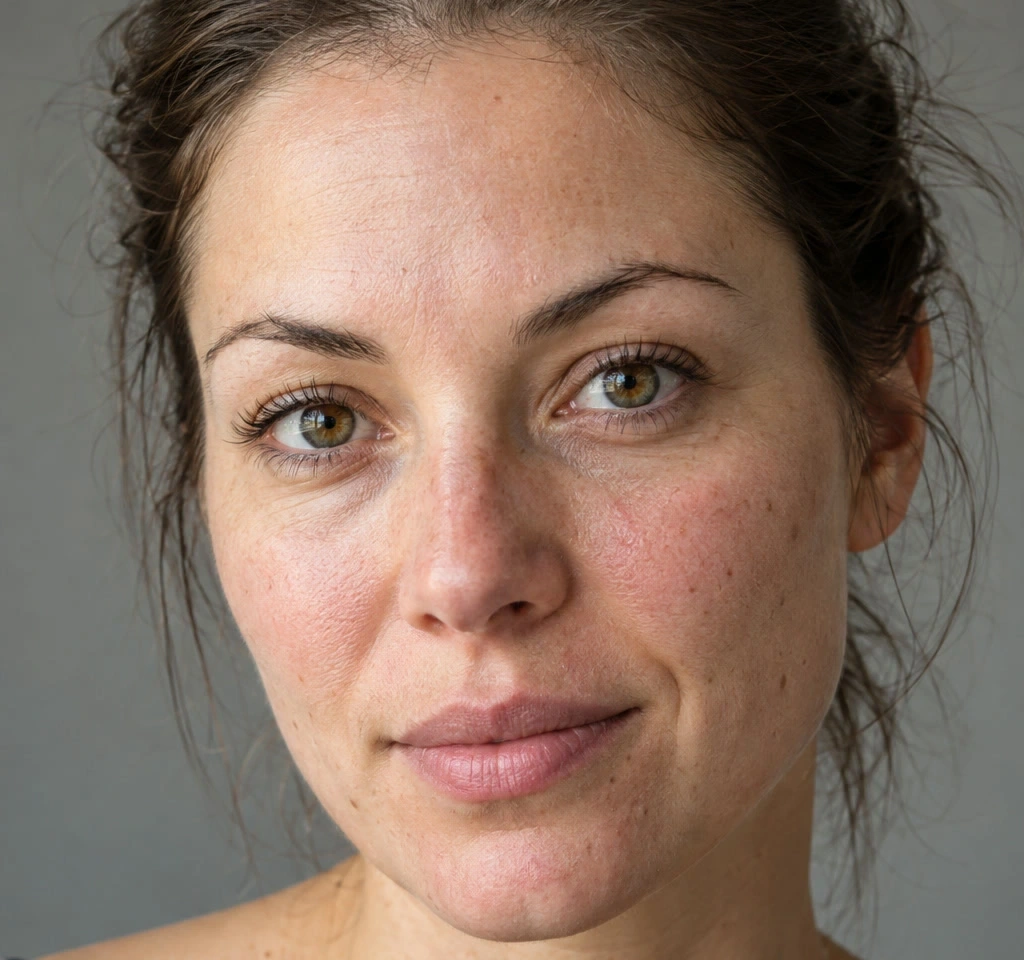 How to use Clone Stamp and Healing BrushCompare three retouching tools, then clean up a portrait’s raised blemishes.Beginner · 10 min
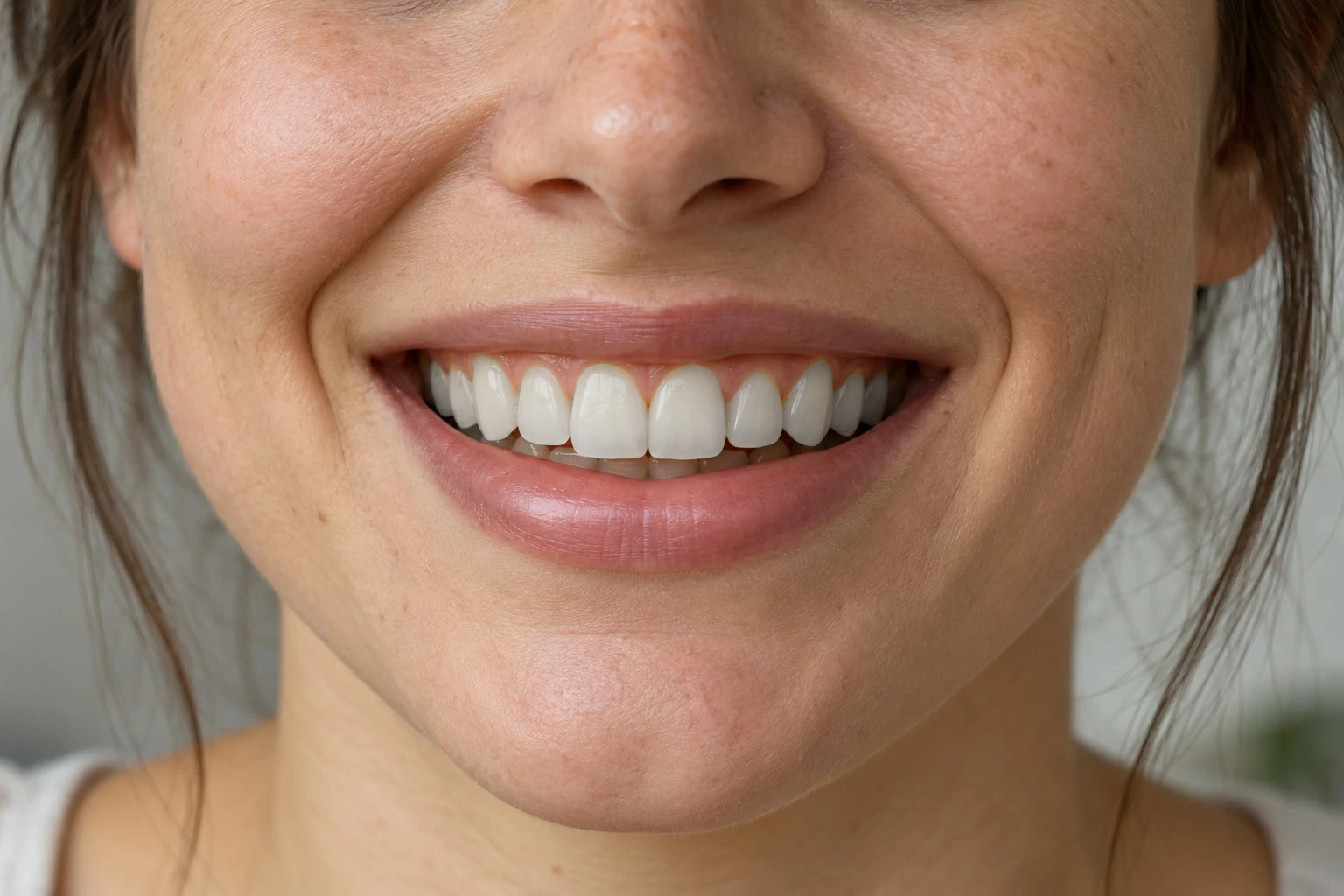 How to whiten teeth in a photoReduce yellow selectively while keeping natural tooth shading.Beginner · 8 min
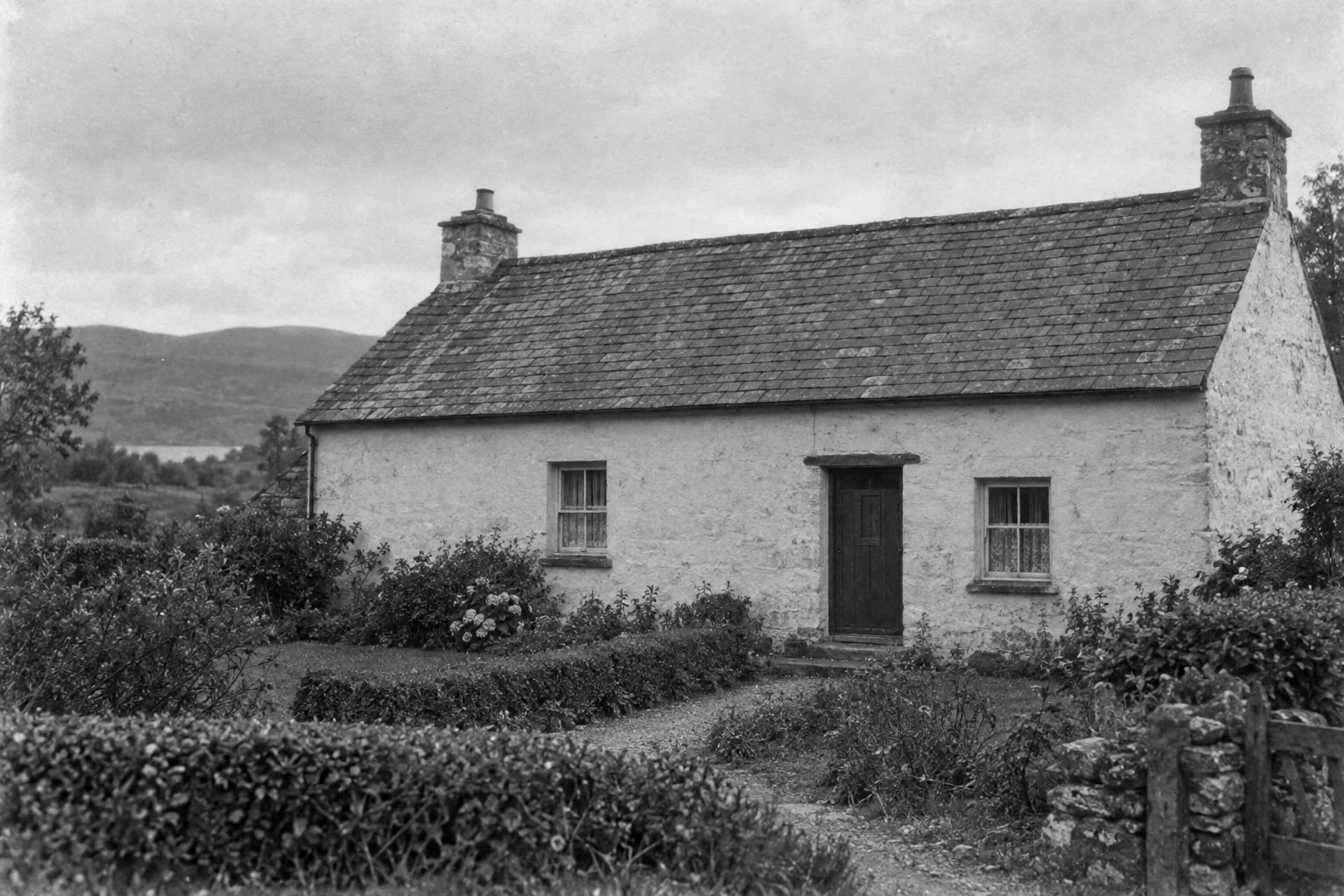 How to restore an old photoClear a scan’s yellow cast, restore contrast and repair small marks.Intermediate · 8 min
Color and tone
Black and white, color grading, exposure and contrast.
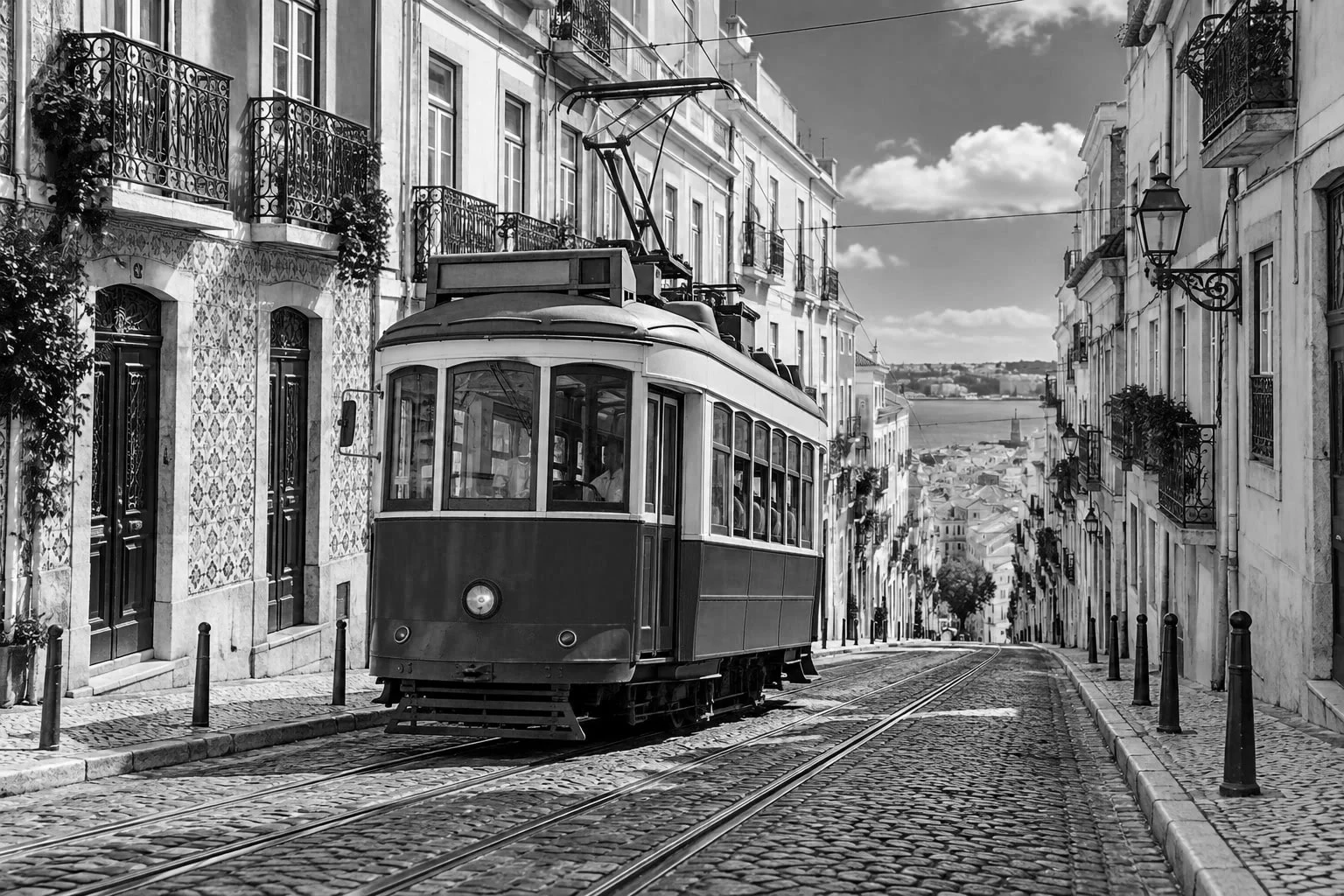 How to make a photo black and whiteChoose how light each color turns, so the photo doesn’t go flat.Beginner · 5 min
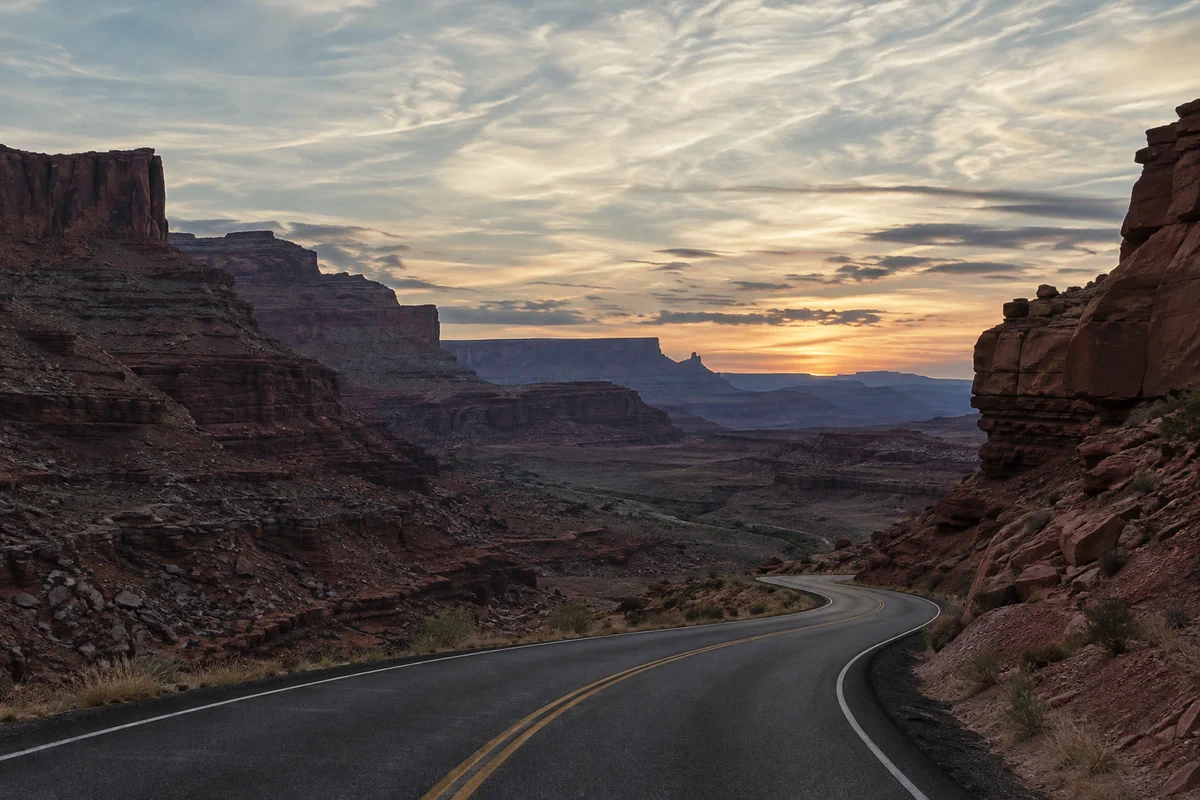 How to use Curves to fix contrast and colorRead the graph, build an S-curve and shift color by channel.Intermediate · 8 min
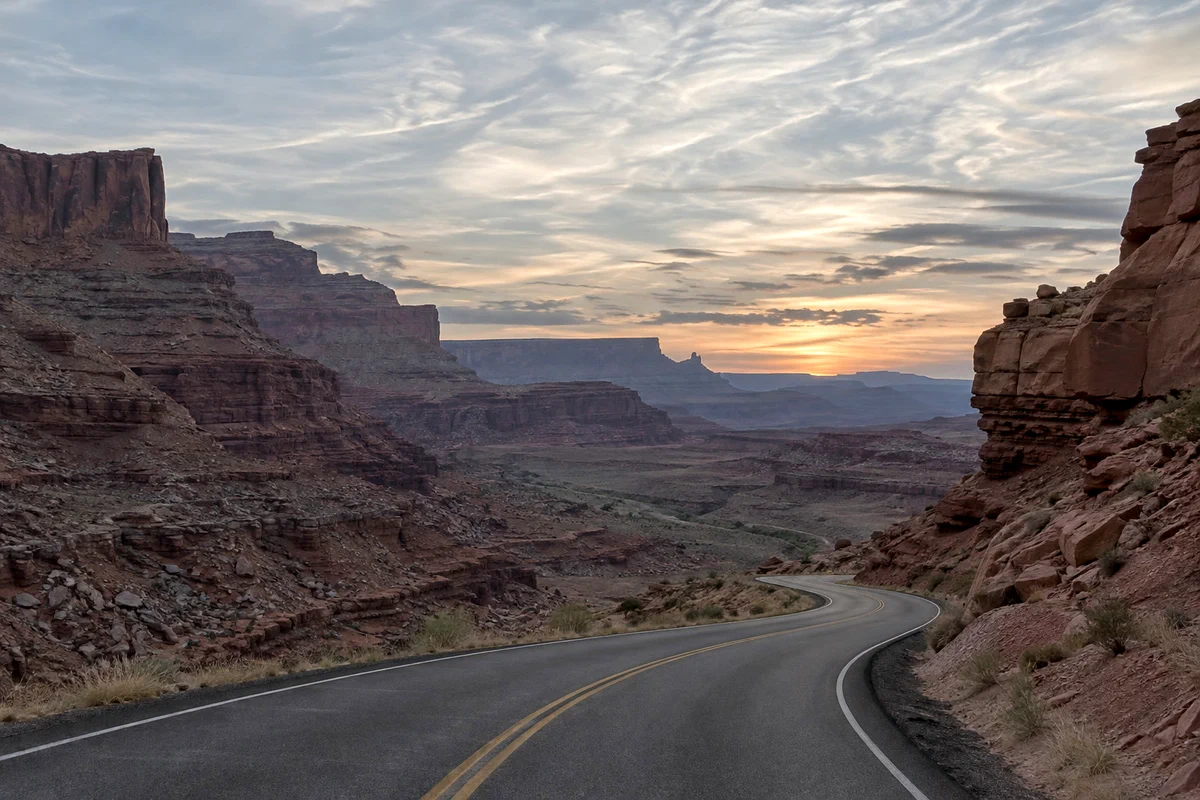 How to use Levels to set black and white pointsBlack point, white point and midtones from the histogram.Beginner · 5 min
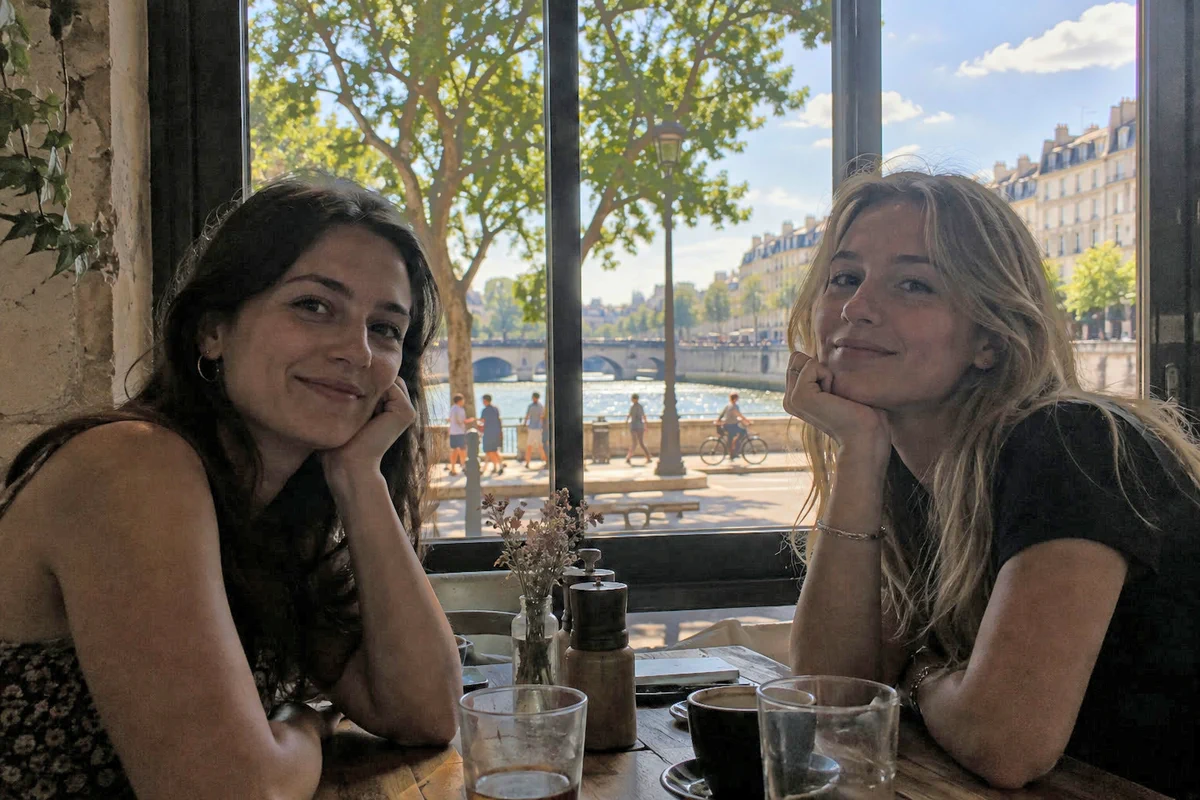 How to fix a dark or backlit photoLift shadows and faces without washing out the window.Beginner · 5 min
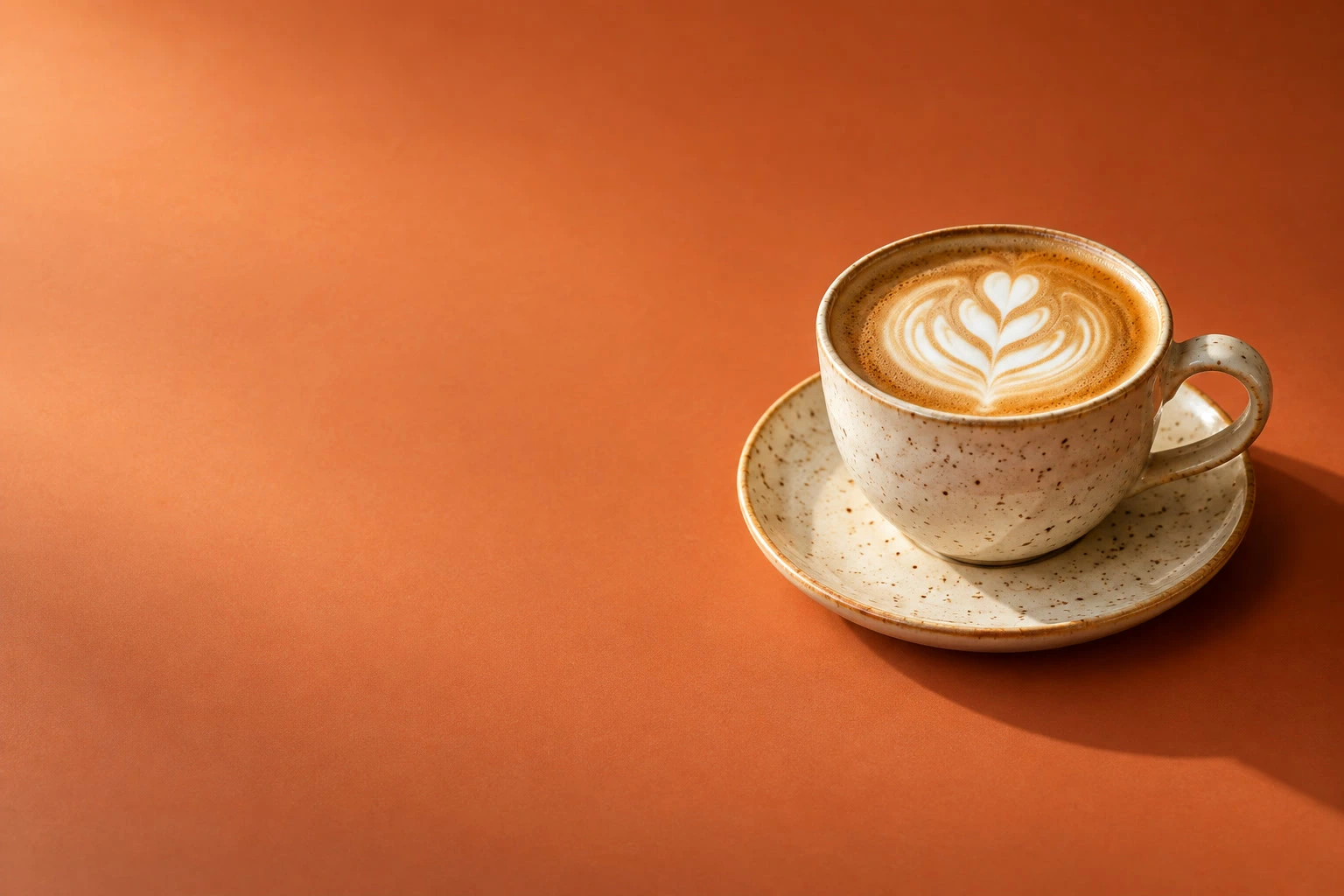 How to fix a photo with the wrong color profileFix a known wrong profile and save a correctly tagged photo.Intermediate · 6 min
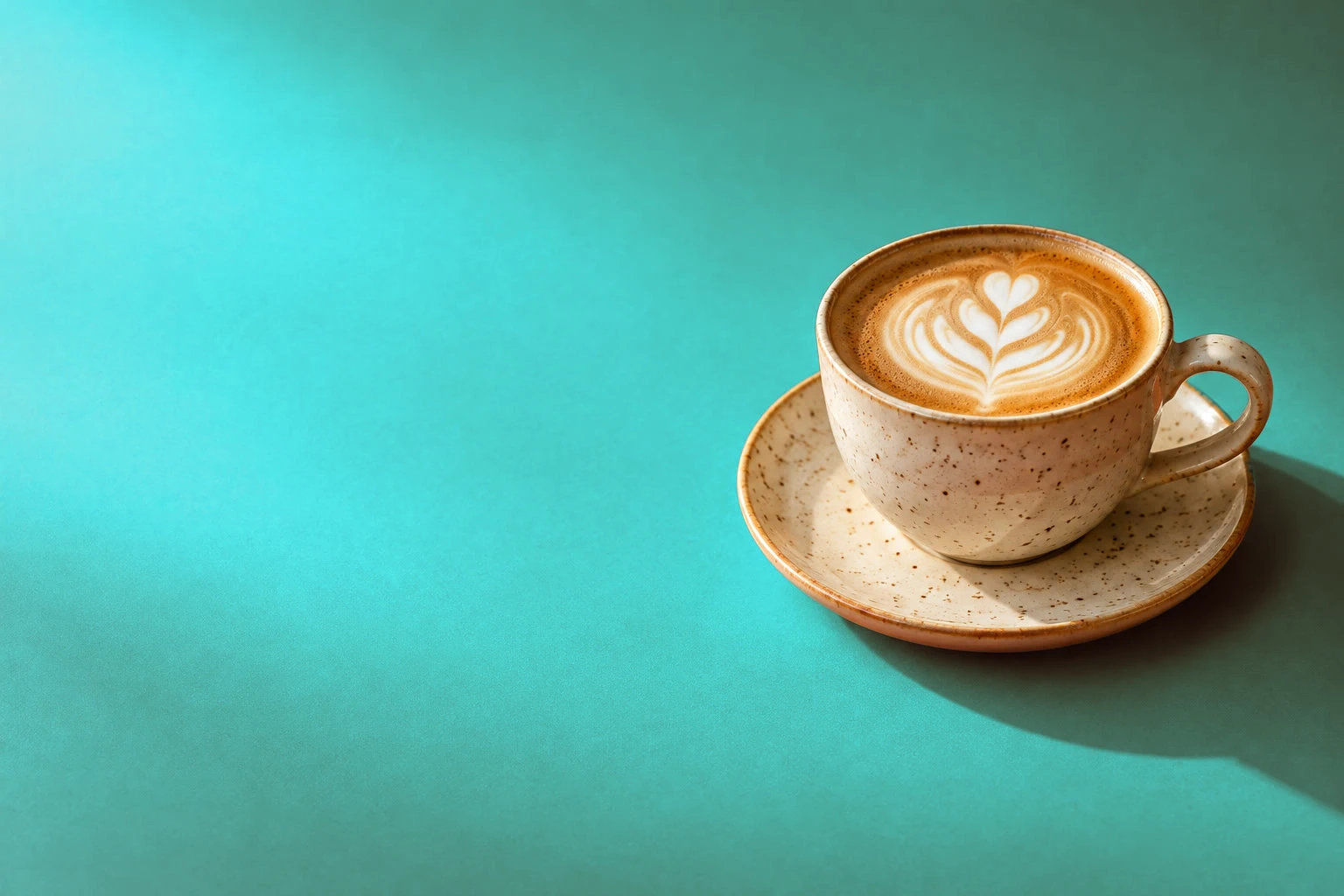 How to change one colour in an imageChange a chosen color while keeping the rest of the photo.Beginner · 5 min
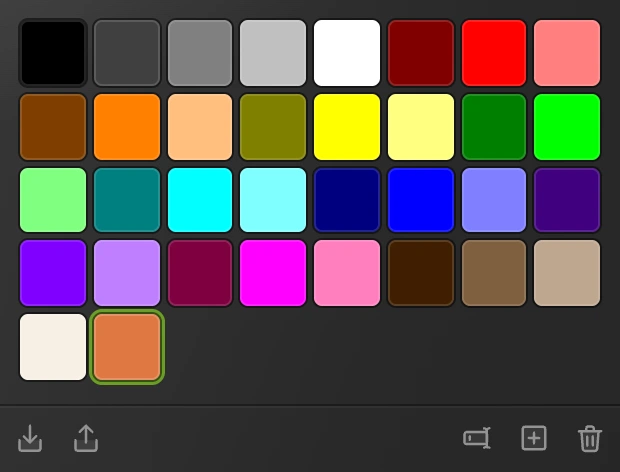 How to pick and save colorsChoose exact colors, sample a photo and keep named swatches.Beginner · 5 min
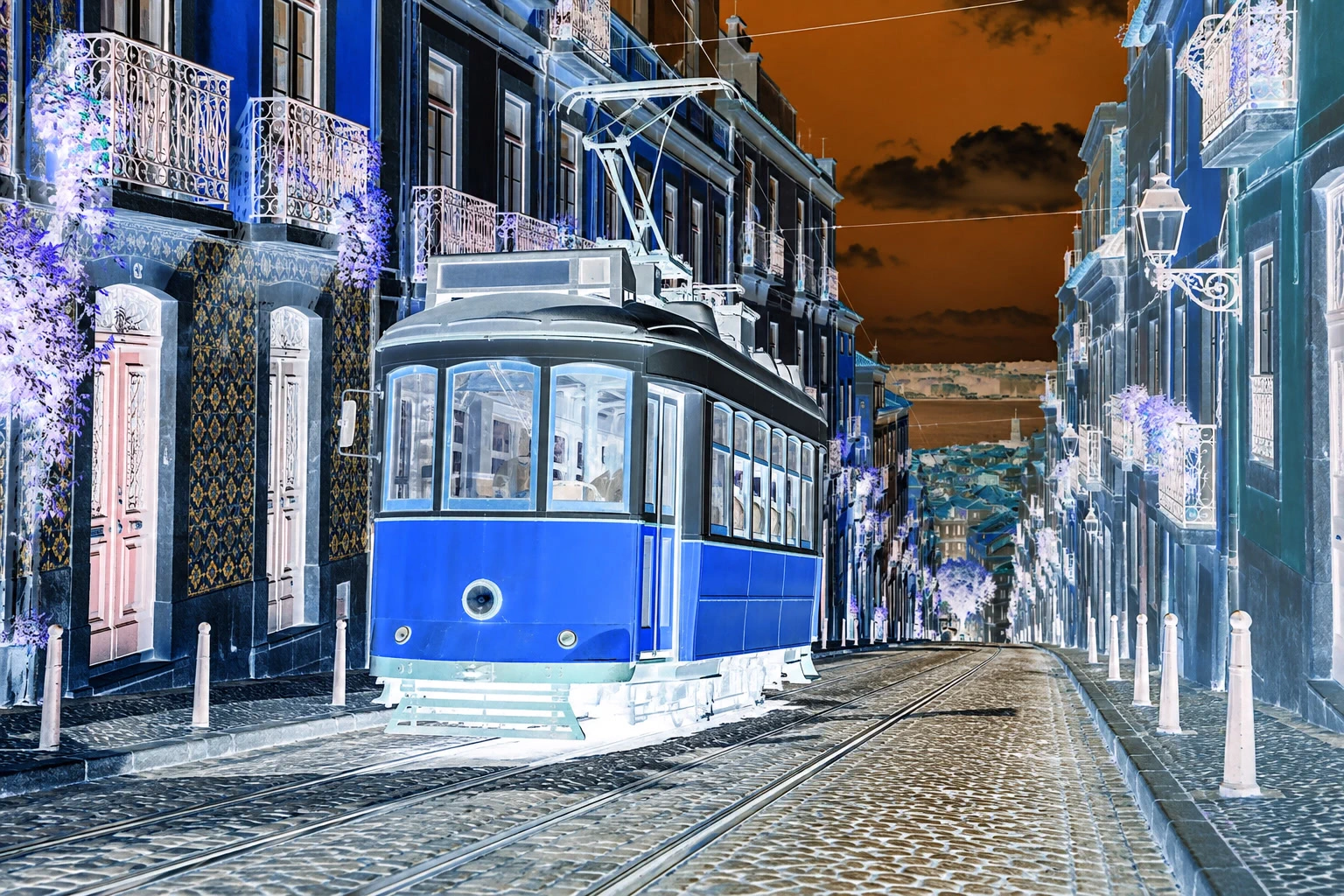 How to invert colors in an imageFlip light, dark and color for a negative effect.Beginner · 3 min
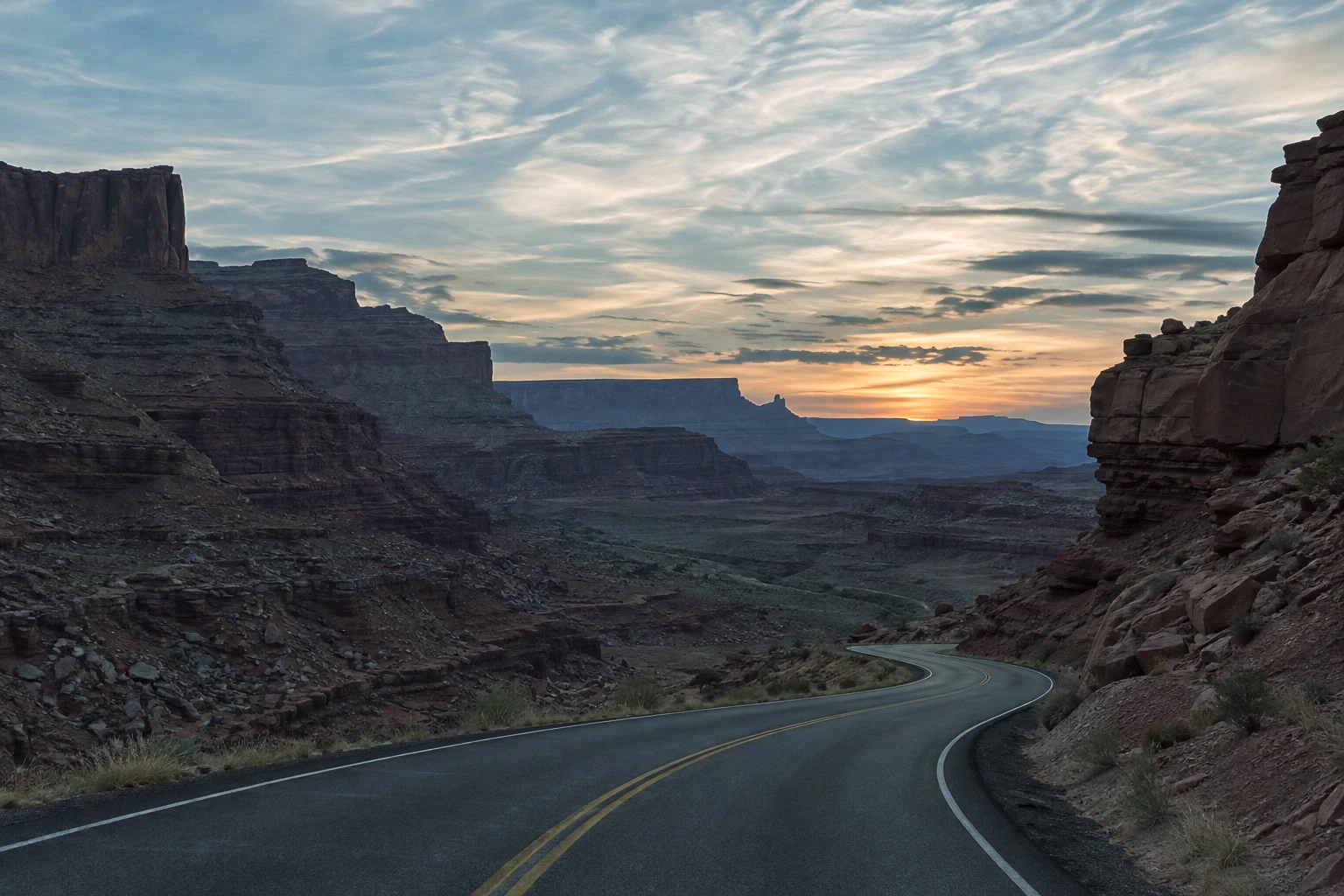 How to color grade a photoShape contrast, then add cool shadows and warm light.Intermediate · 7 min
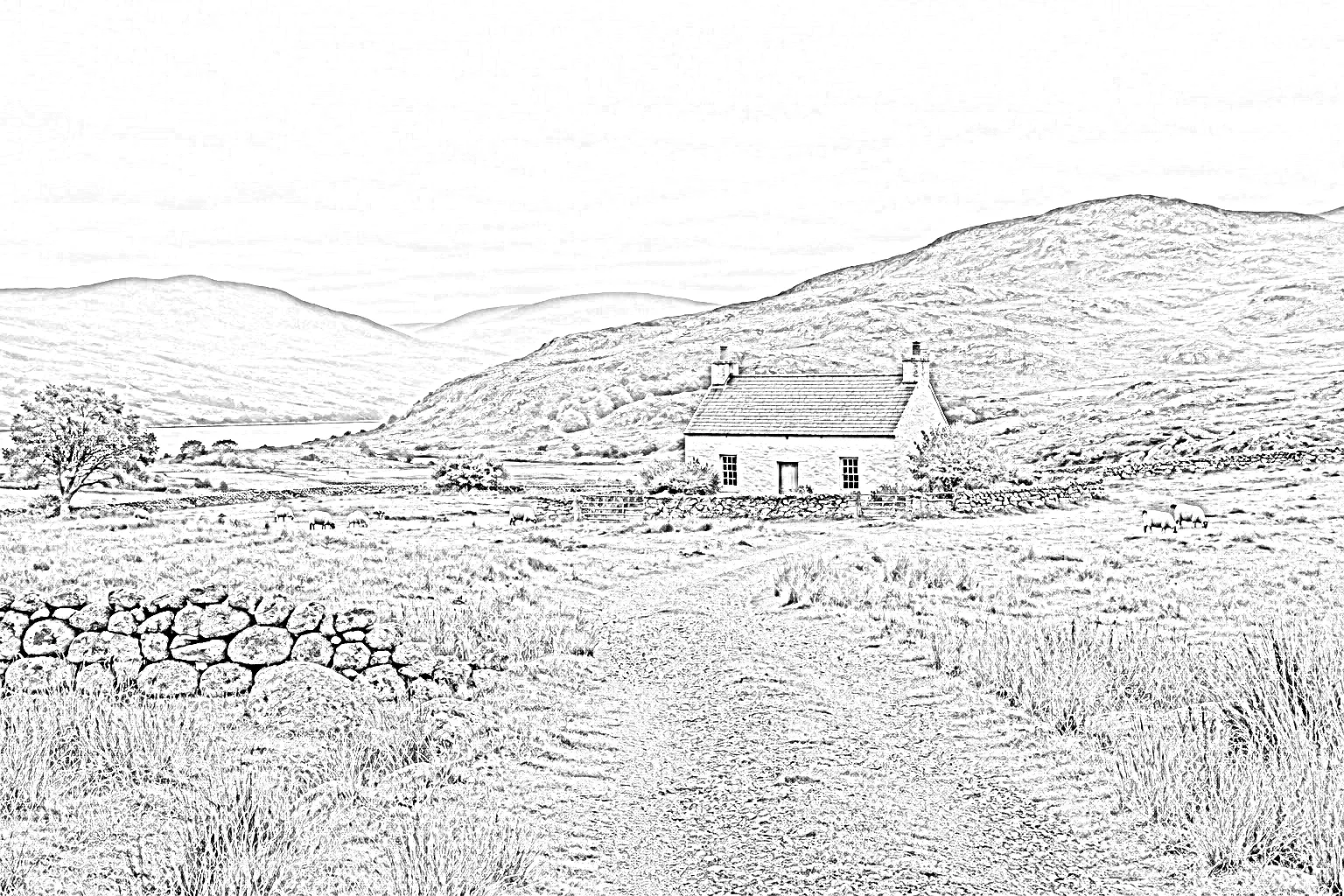 How to turn a photo into a pencil sketchTurn a photo’s edges and texture into pencil-style lines.Beginner · 7 min
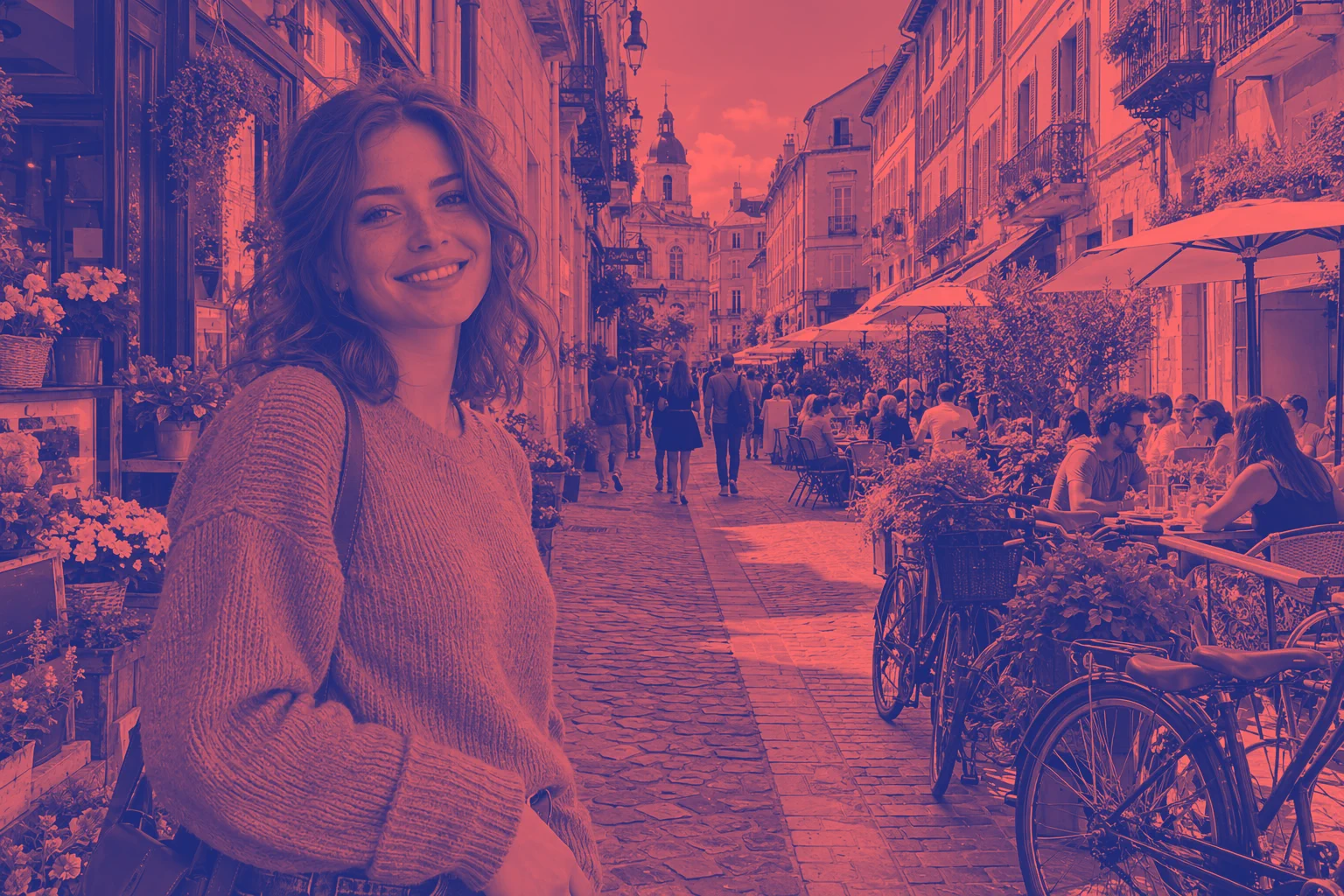 How to make a duotone photoRecolor dark and light tones with a two-color gradient.Beginner · 5 min
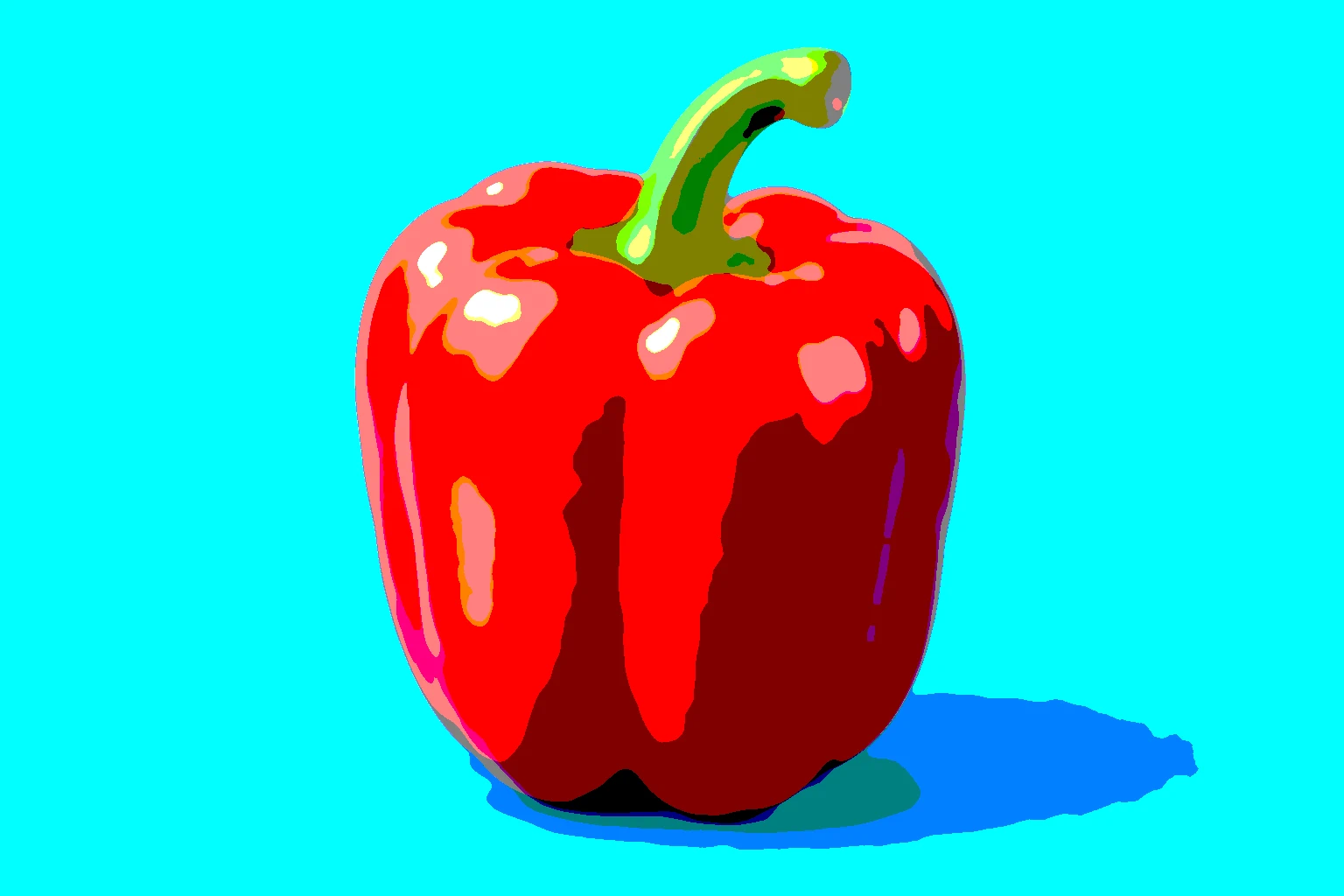 How to make pop art from a photoMake flat color bands or a stark black-and-white print.Beginner · 5 min
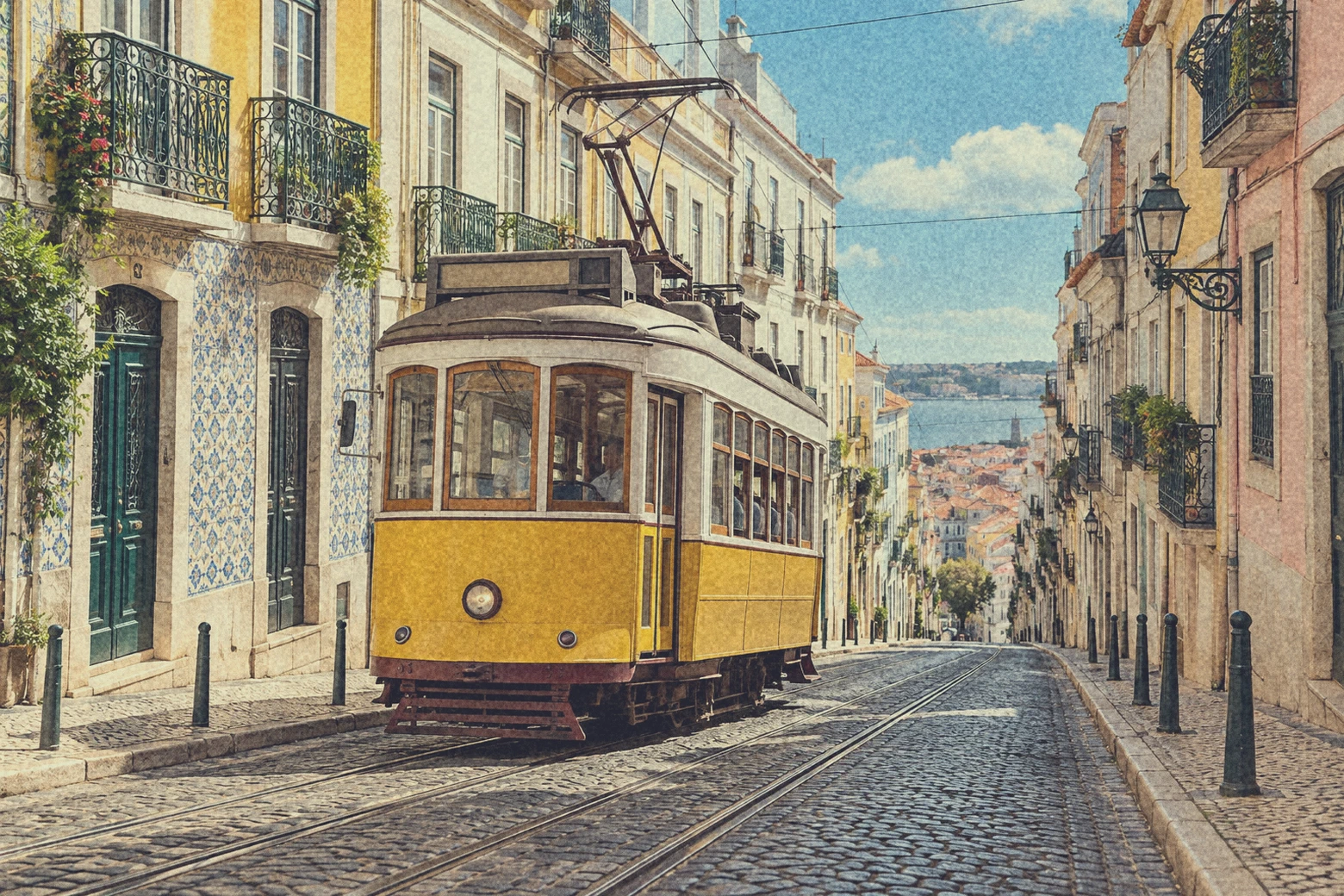 How to give a photo a vintage film lookCombine grain, faded shadows and warm highlights.Intermediate · 8 min
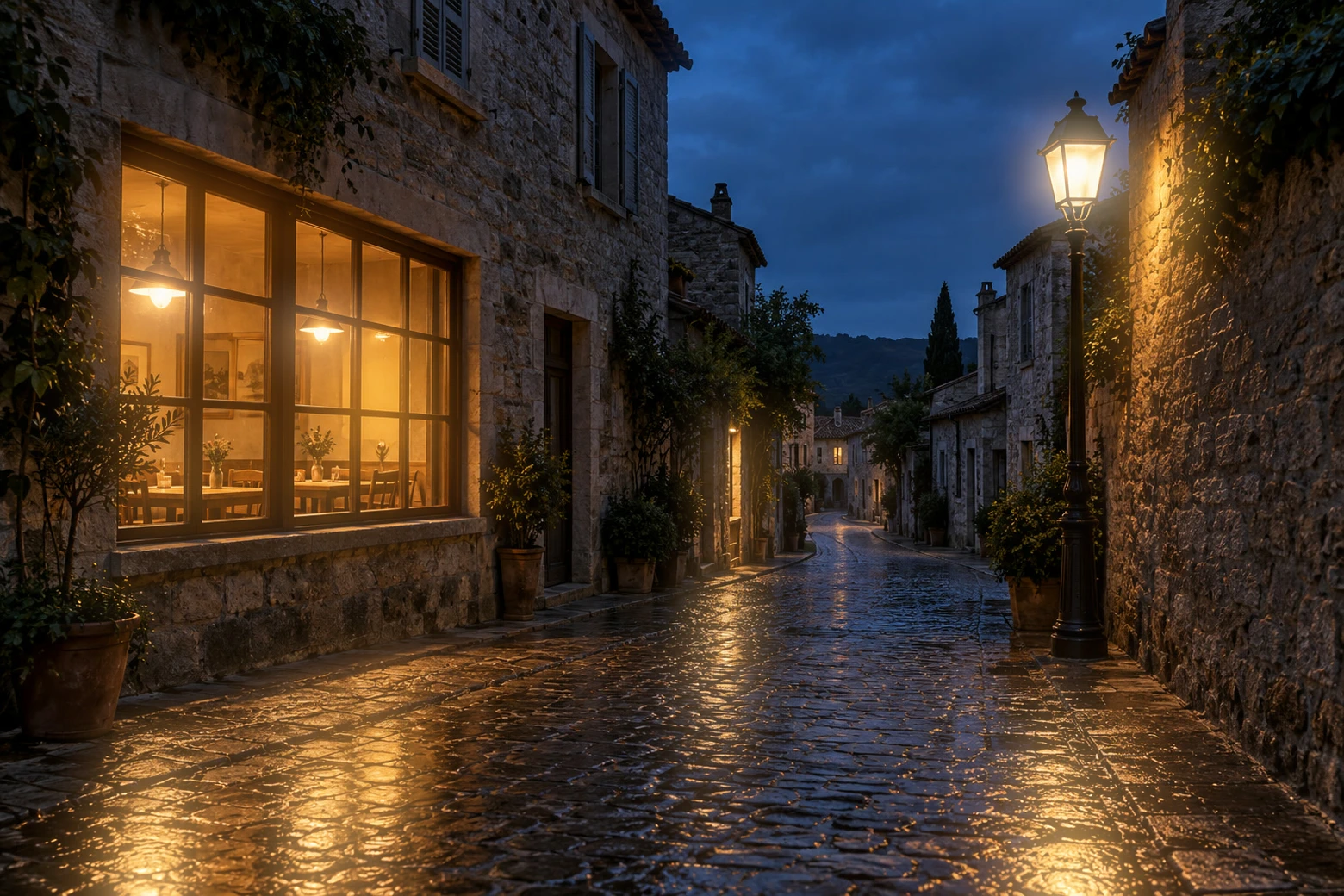 How to add glow and light effects to a photoSpread light from highlights or brighten a chosen part of a photo.Intermediate · 6 min
Text and design
Thumbnails, posters and social posts with text, shapes and layer styles.
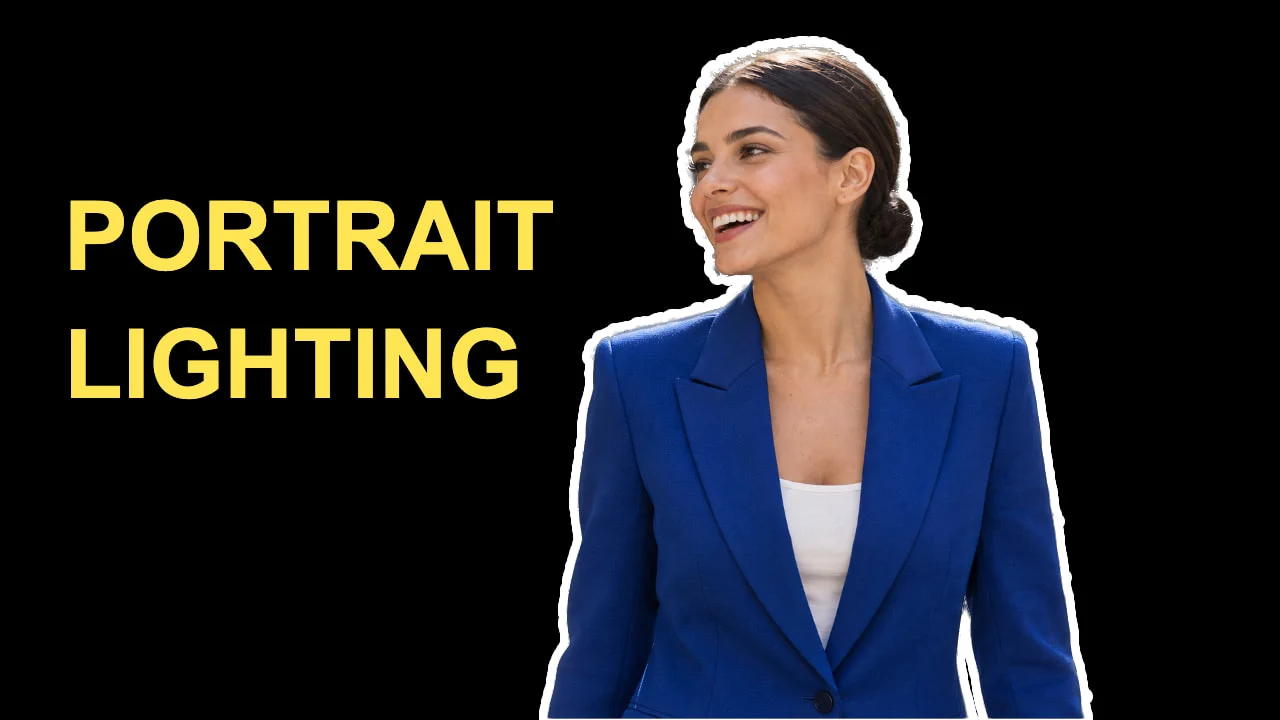 How to make a YouTube thumbnailA cut-out, a two-line headline and an outline at 1280 × 720.Beginner · 8 min
 How to draw shapes and export vector graphics (SVG)Editable shapes for icons, badges and buttons, exported as SVG.Beginner · 6 min
 How to make curved, gradient text with a shadowHeadline text on a curve, with a gradient fill and a shadow that stay editable.Intermediate · 7 min
 How to design several sizes in one file with artboardsSeveral canvases in one document, exported as separate files.Intermediate · 6 min
 How to add text to a photoA headline and a second line on a photo, still editable later.Beginner · 5 min
 How to change text in an imageReplace flattened text and match the new lettering to the design.Beginner · 6 min
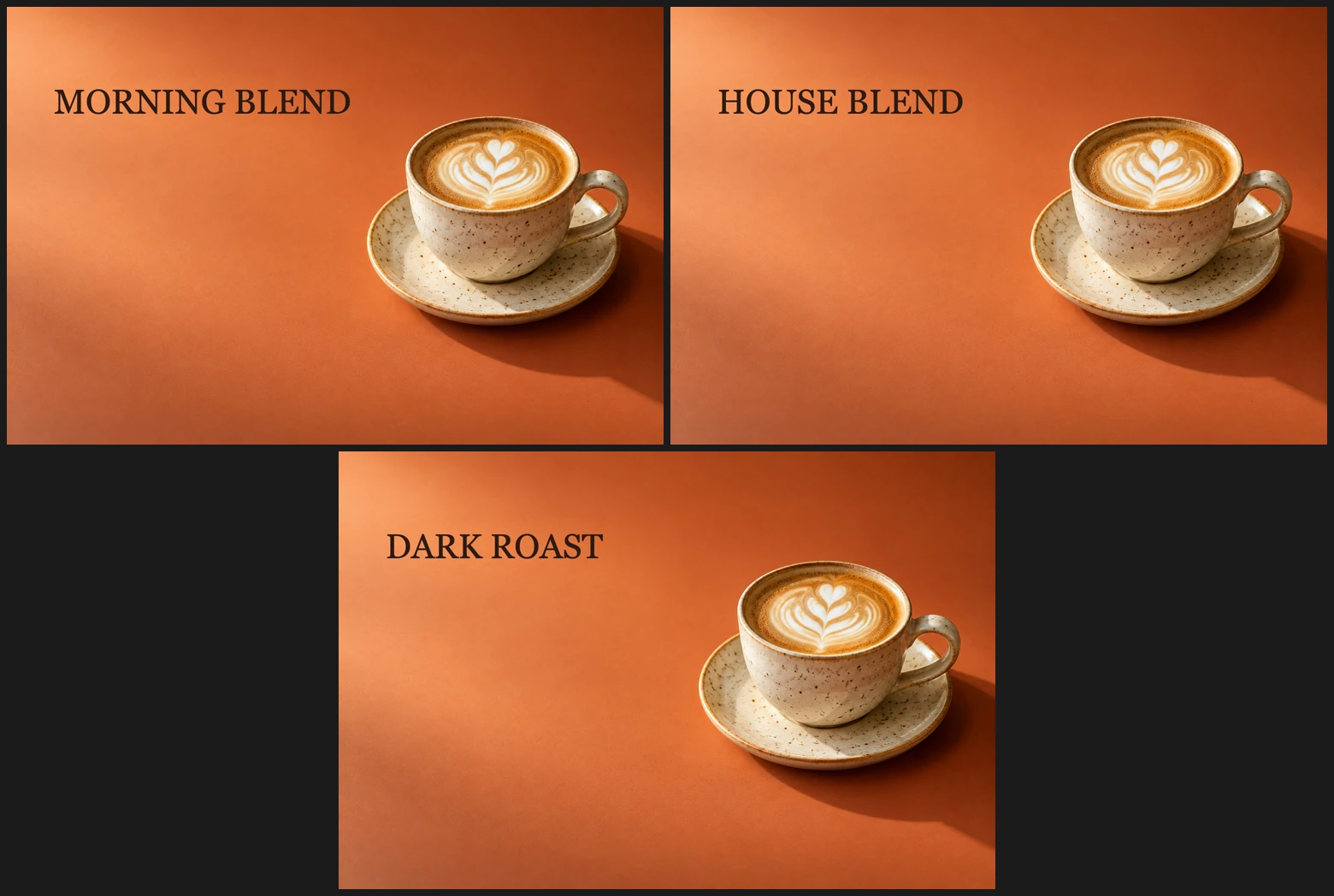 How to create data-driven graphics from a CSVOne layered template, a table of text and a separate design for every row.Intermediate · 7 min
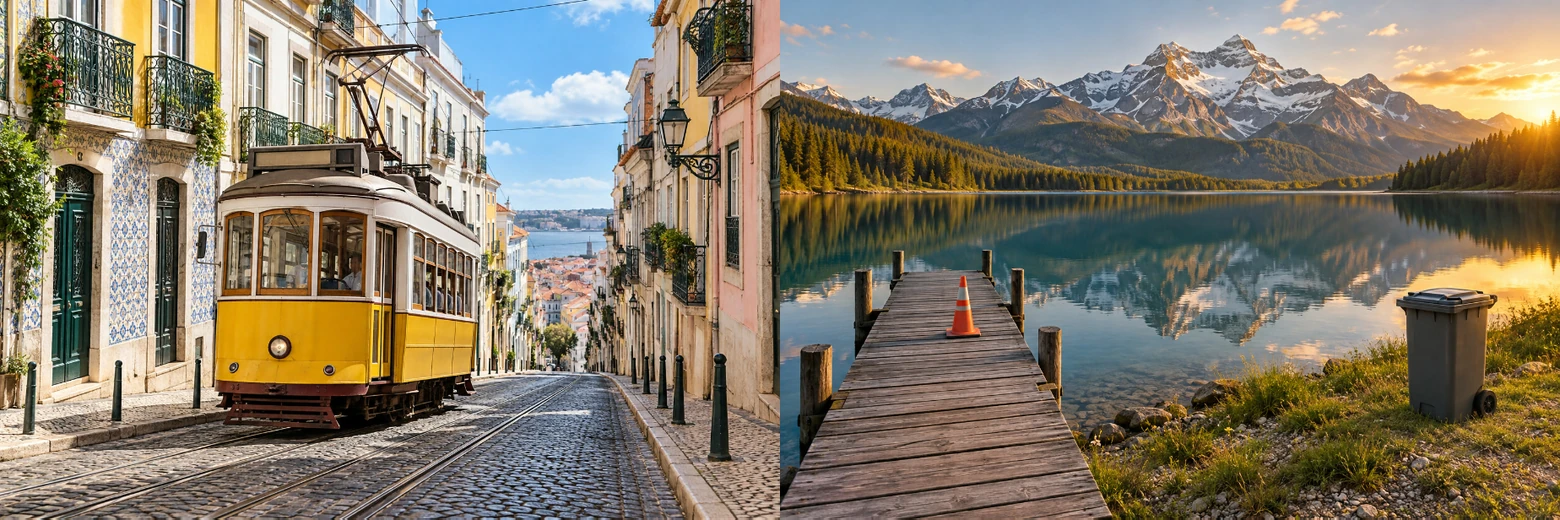 How to combine two images into onePut photos side by side or overlap them on separate layers.Beginner · 5 min
 How to add a watermark to a photoAdd a soft text mark or place a transparent logo.Beginner · 6 min
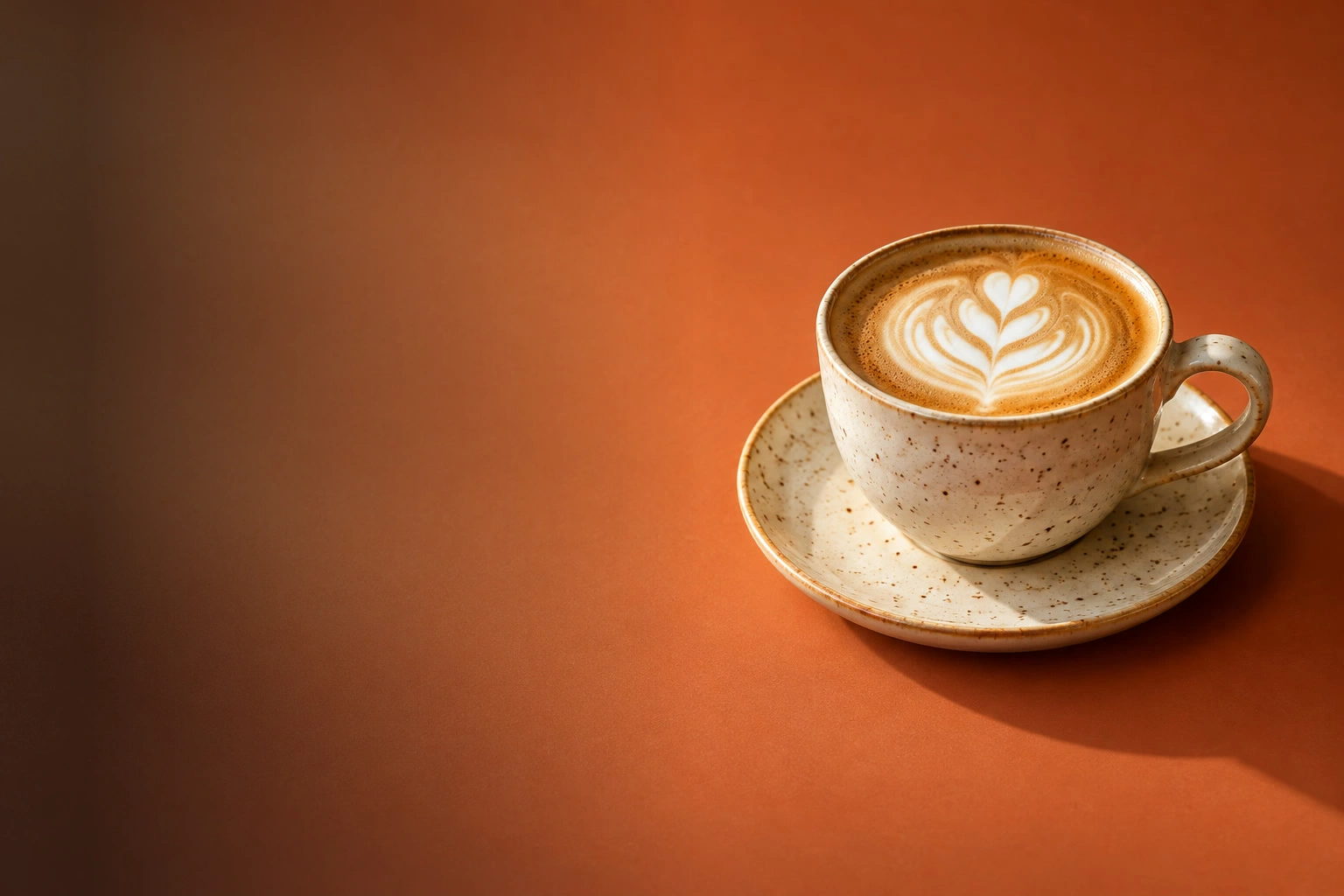 How to use the Gradient toolBlend colors or transparency with a drawn gradient or a fill layer.Beginner · 8 min
 How to use Paint Bucket, Fill and StrokeRecolor flat areas, fill selections and draw a thin outline.Beginner · 8 min
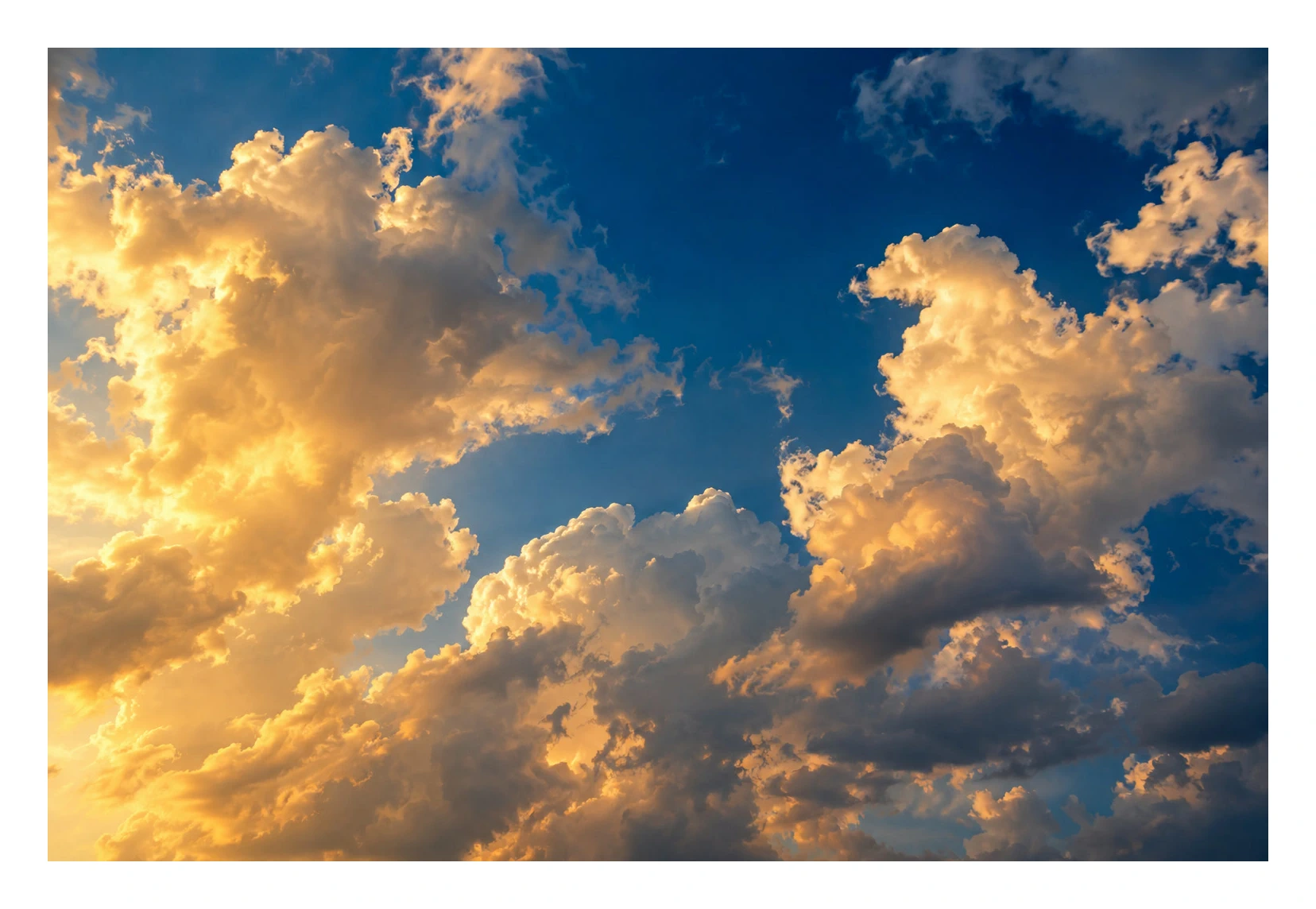 How to add a border to an imageAdd space for a frame, or put a stroke inside the photo.Beginner · 5 min
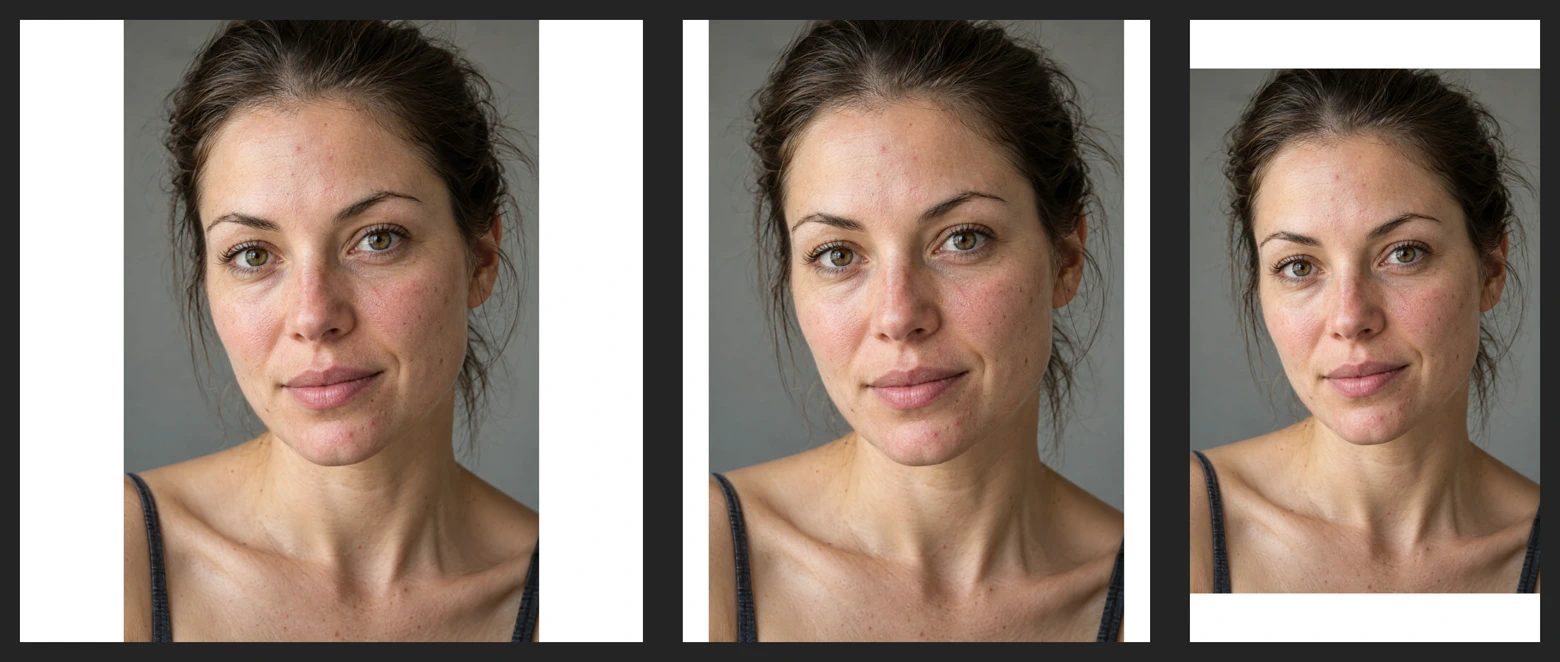 How to size a photo for InstagramKeep a whole photo or crop it to fill a post or Story.Beginner · 6 min
 How to create a mockup from a photoFit artwork into a frame photo and replace the design later.Intermediate · 6 min
 How to pixelate an imageSquare mosaic blocks across a photo or inside a selection.Beginner · 4 min
 How to make pixel artDraw on a tiny canvas, then enlarge it with crisp pixel blocks.Beginner · 10 min
 How to use guides, grid and snapping in Lil CactusPlace objects precisely and give a row of shapes equal spacing.Beginner · 7 min
 How to round the corners of an imageHide a photo’s corners with an editable rounded rectangle.Beginner · 6 min
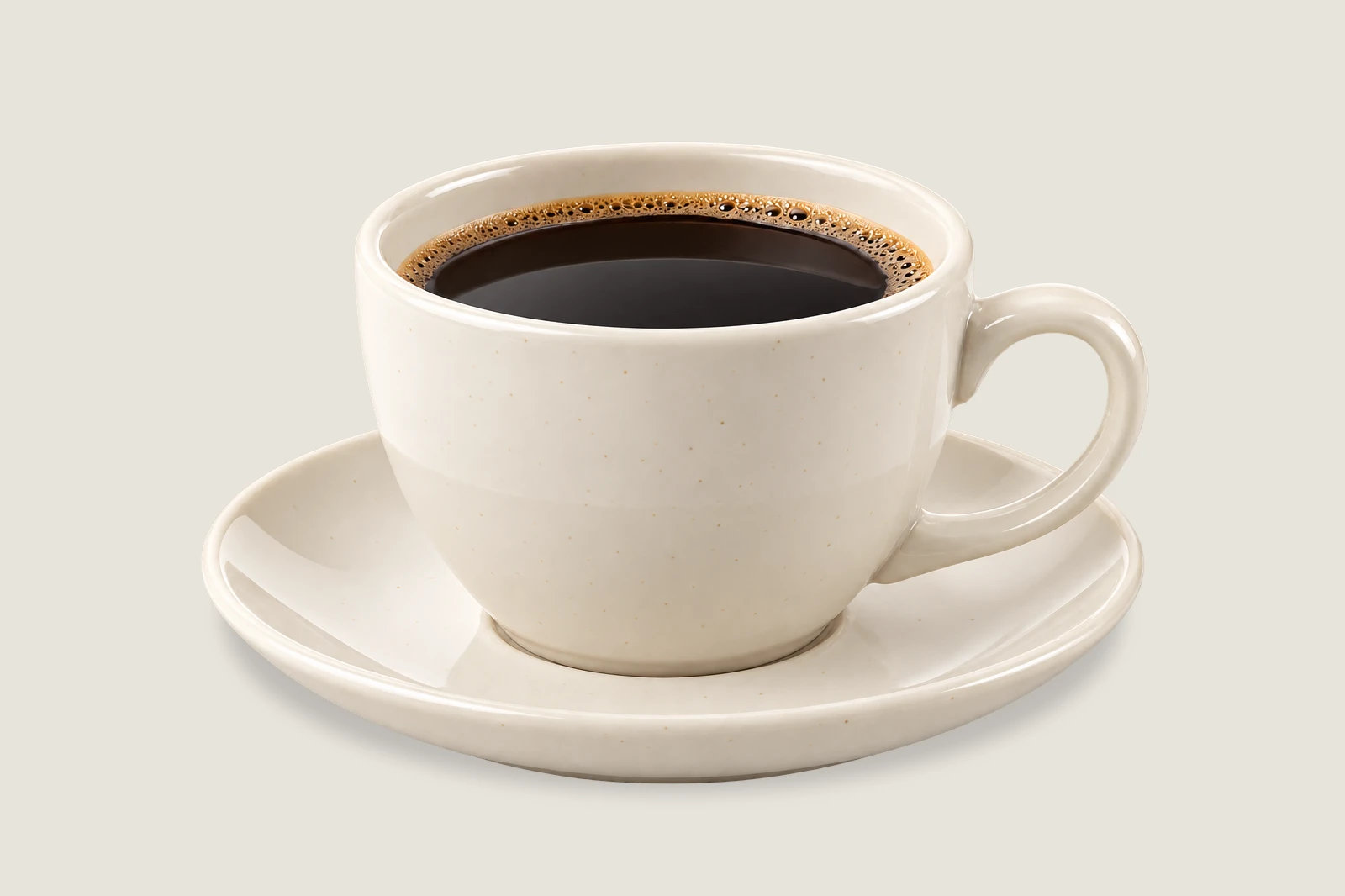 How to add a shadow to a product photoPut a soft contact shadow beneath a cut-out product.Beginner · 7 min
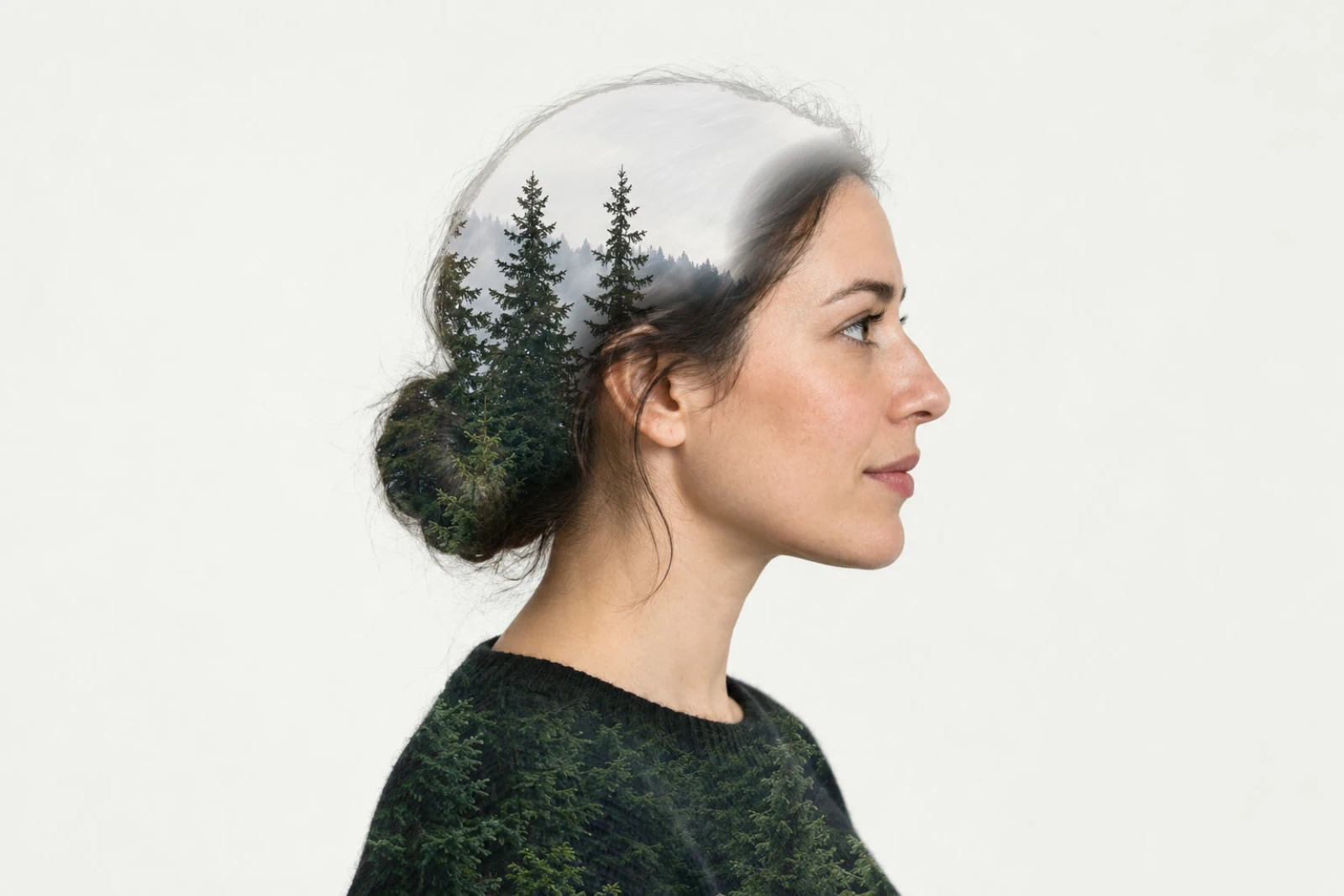 How to make a double exposure from two photosBlend a landscape into a portrait while keeping the face readable.Intermediate · 7 min
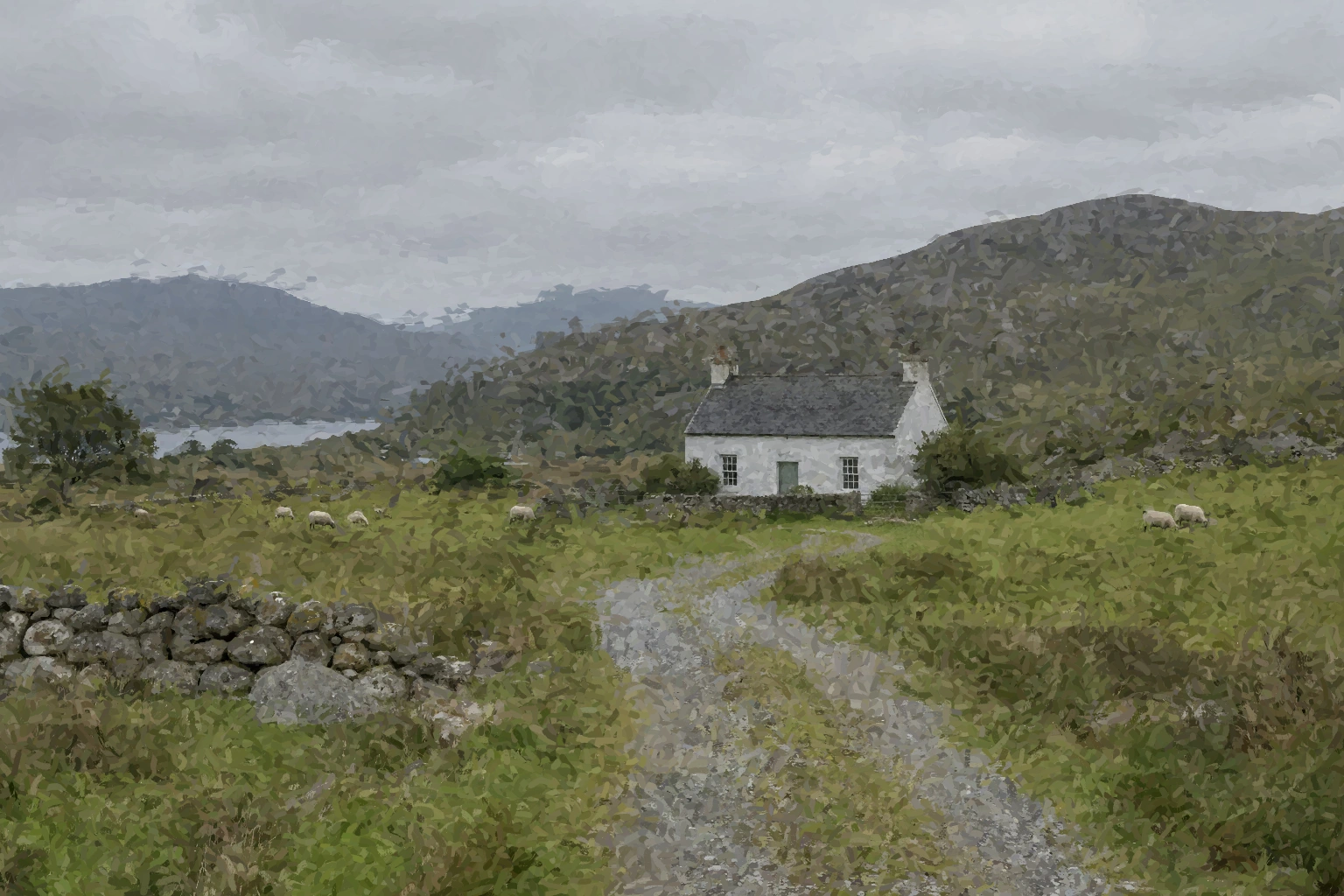 How to turn a photo into a paintingPaint broad shapes, then define the small structures.Intermediate · 15 min
Layers, masks and Smart Objects
The ideas every other technique is built on.
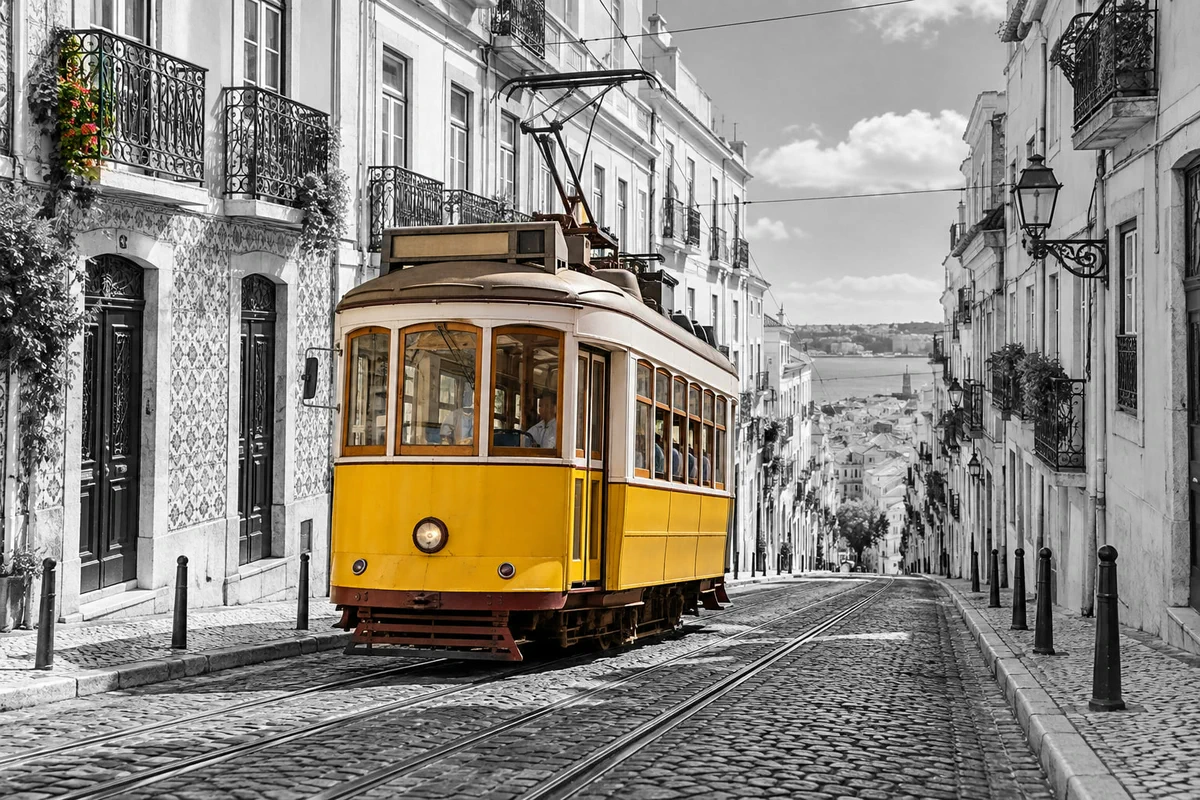 How to use layer masksHide part of a layer without deleting it, and bring it back any time.Beginner · 5 min
 How to use layers in a photo editorStack, reorder, fade, hide and group the parts of a picture.Beginner · 6 min
 How to open, view and edit a PSD file onlineOpen a PSD with its layers, edit the text, and save it back as a PSD.Beginner · 5 min
 How to make a selection in a photo editorPick the right tool, add and subtract, feather and save a selection.Beginner · 6 min
 How to use adjustment layersColor and tone changes you can retune, hide or limit to one area.Beginner · 5 min
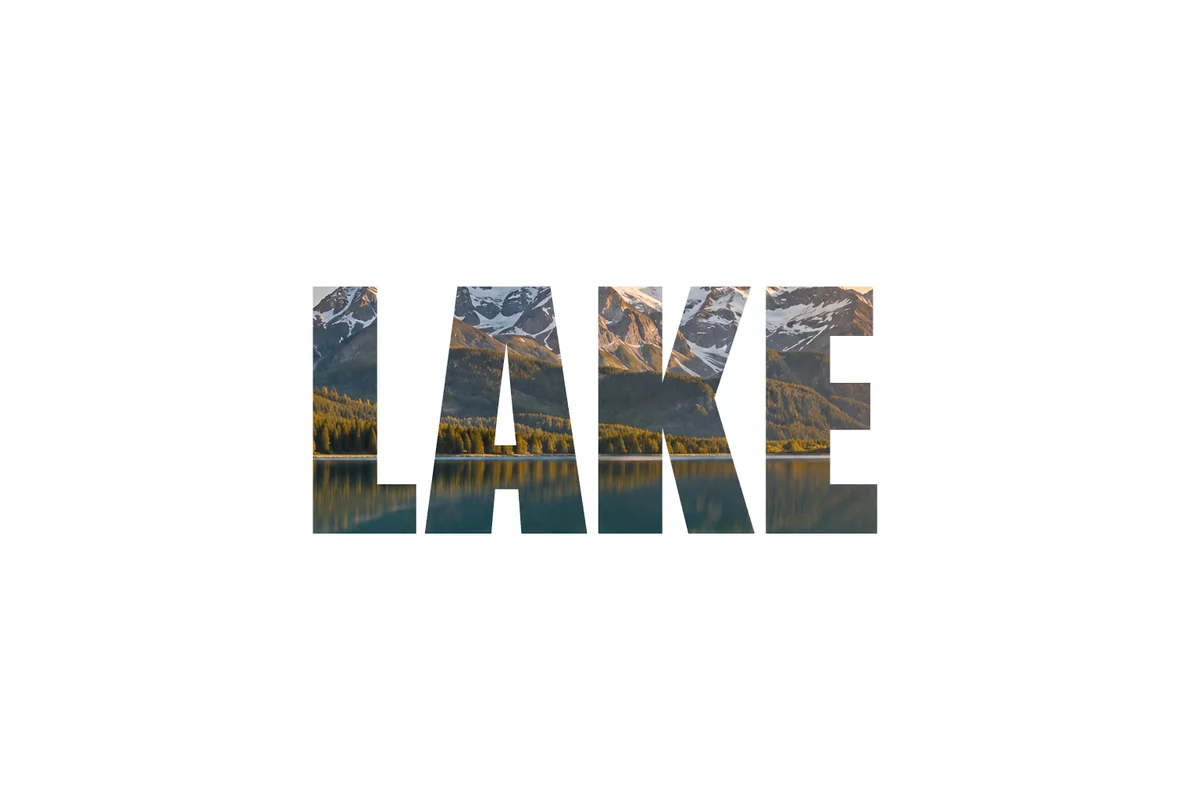 How to put a photo inside text with a clipping maskShow a photo or texture only inside text or a shape.Beginner · 5 min
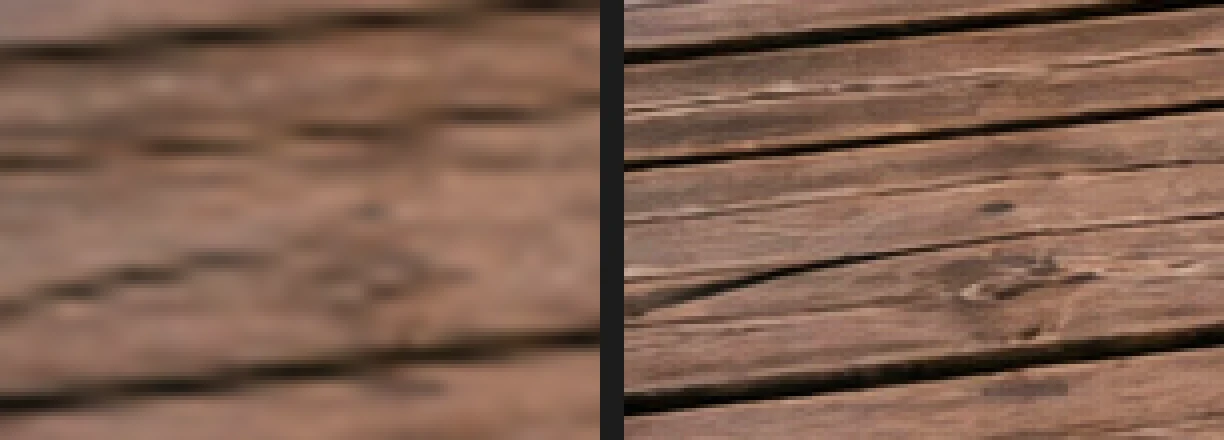 How to use Smart ObjectsResize, filter and swap a picture without ever losing its original pixels.Intermediate · 6 min
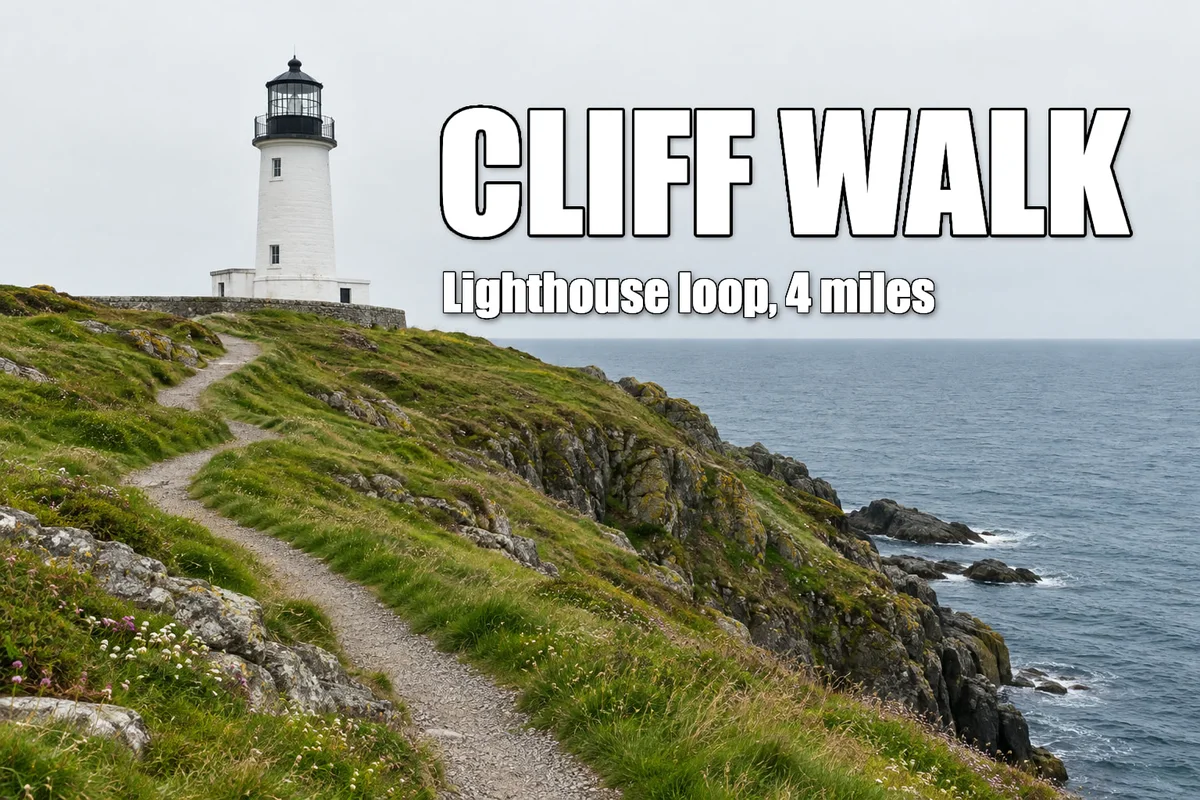 How to add a drop shadow and outline with layer stylesShadows, outlines, glows and overlays that stay editable.Beginner · 6 min
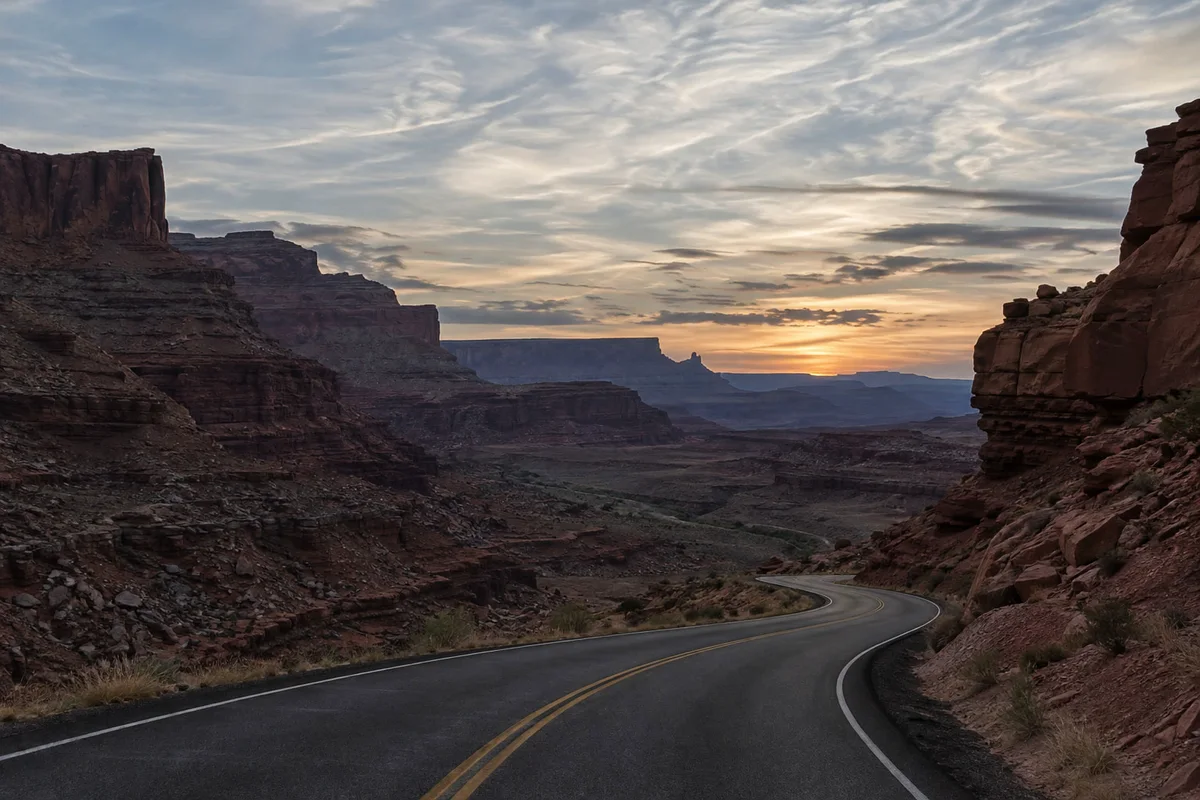 Blend modes explained, with practical usesHow a layer mixes with the layers below it, and when to use each mode.Beginner · 6 min
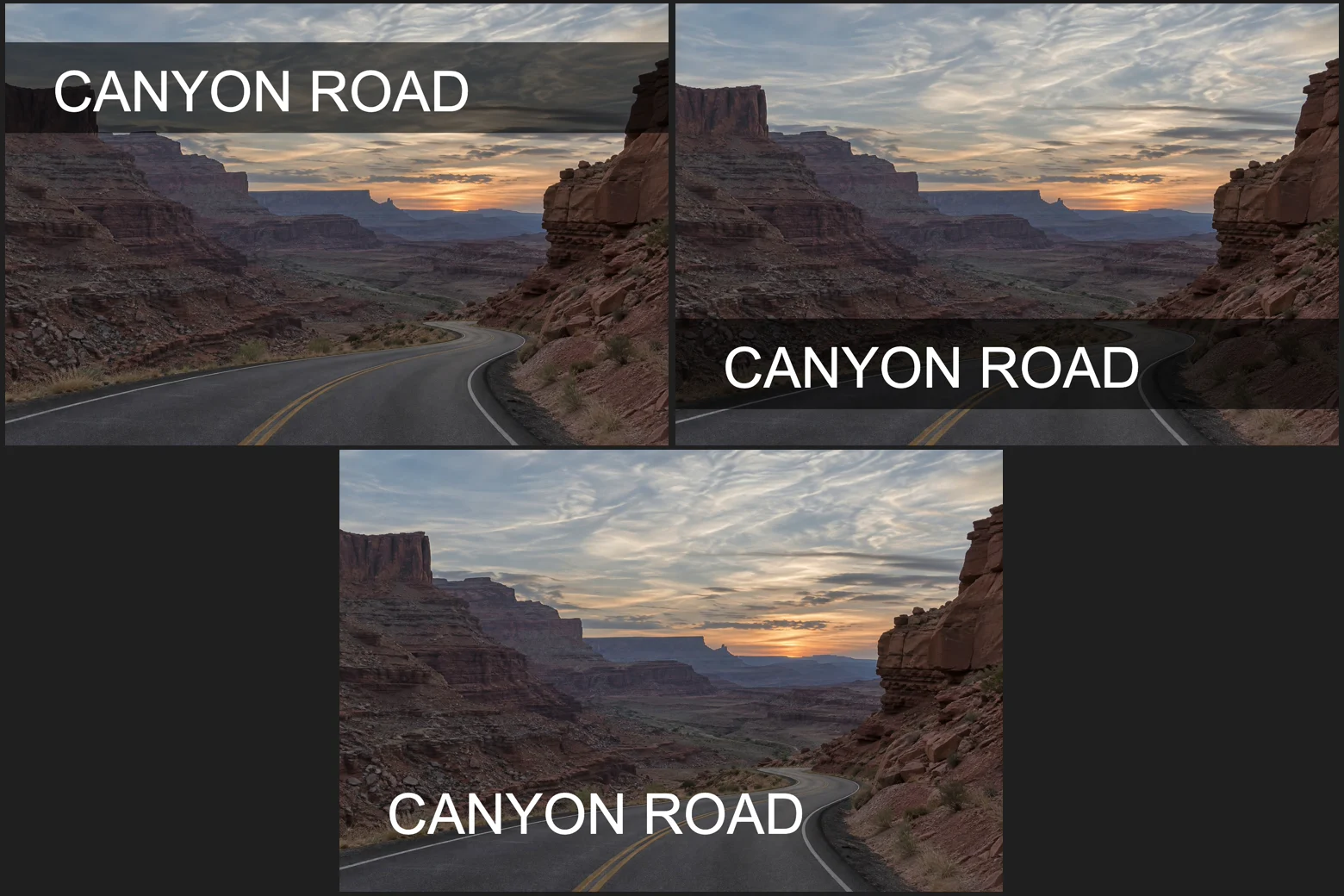 How to save design variations with layer compsSeveral versions of one layout in one file, switched in a click.Intermediate · 5 min
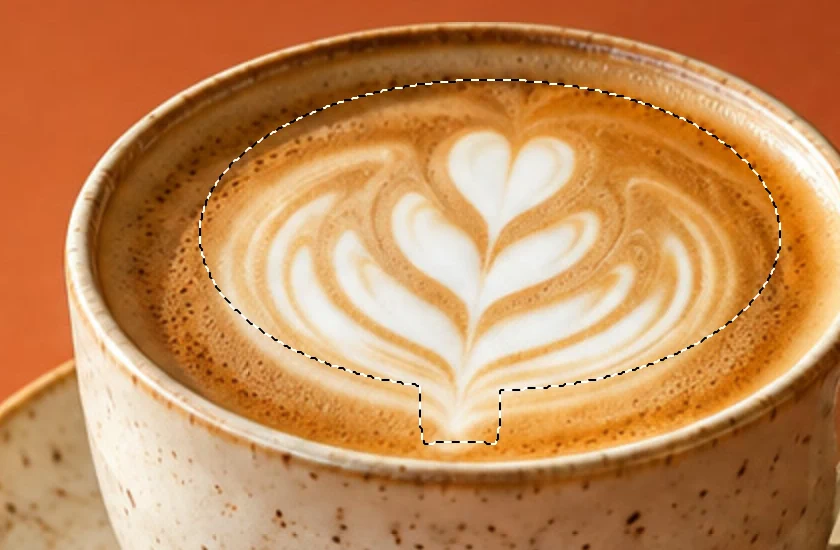 How to use Channels and Quick Mask in Lil CactusPaint a selection, inspect its coverage and save it for another edit.Intermediate · 7 min
RAW and advanced photography
RAW development, HDR, focus stacking, panoramas and high-end retouching.
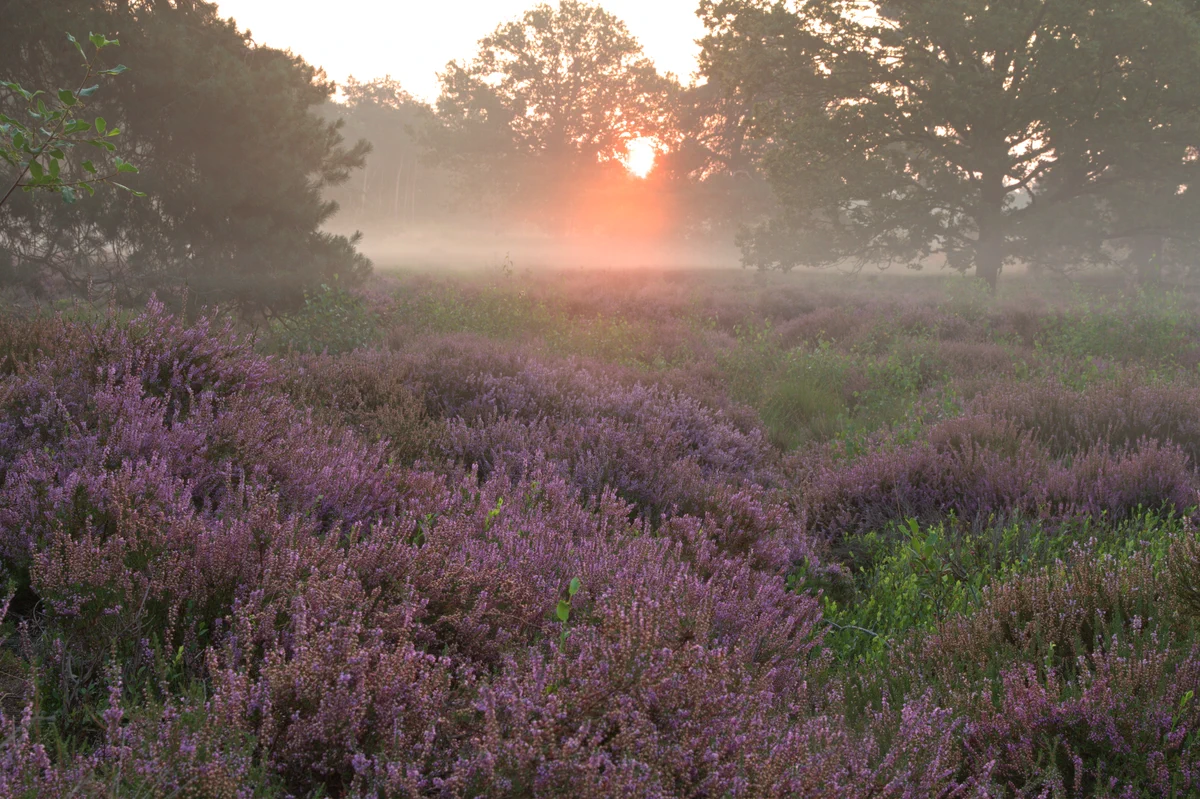 How to edit a RAW photoWhite balance, highlights, shadows and color from the sensor data.Intermediate · 10 min
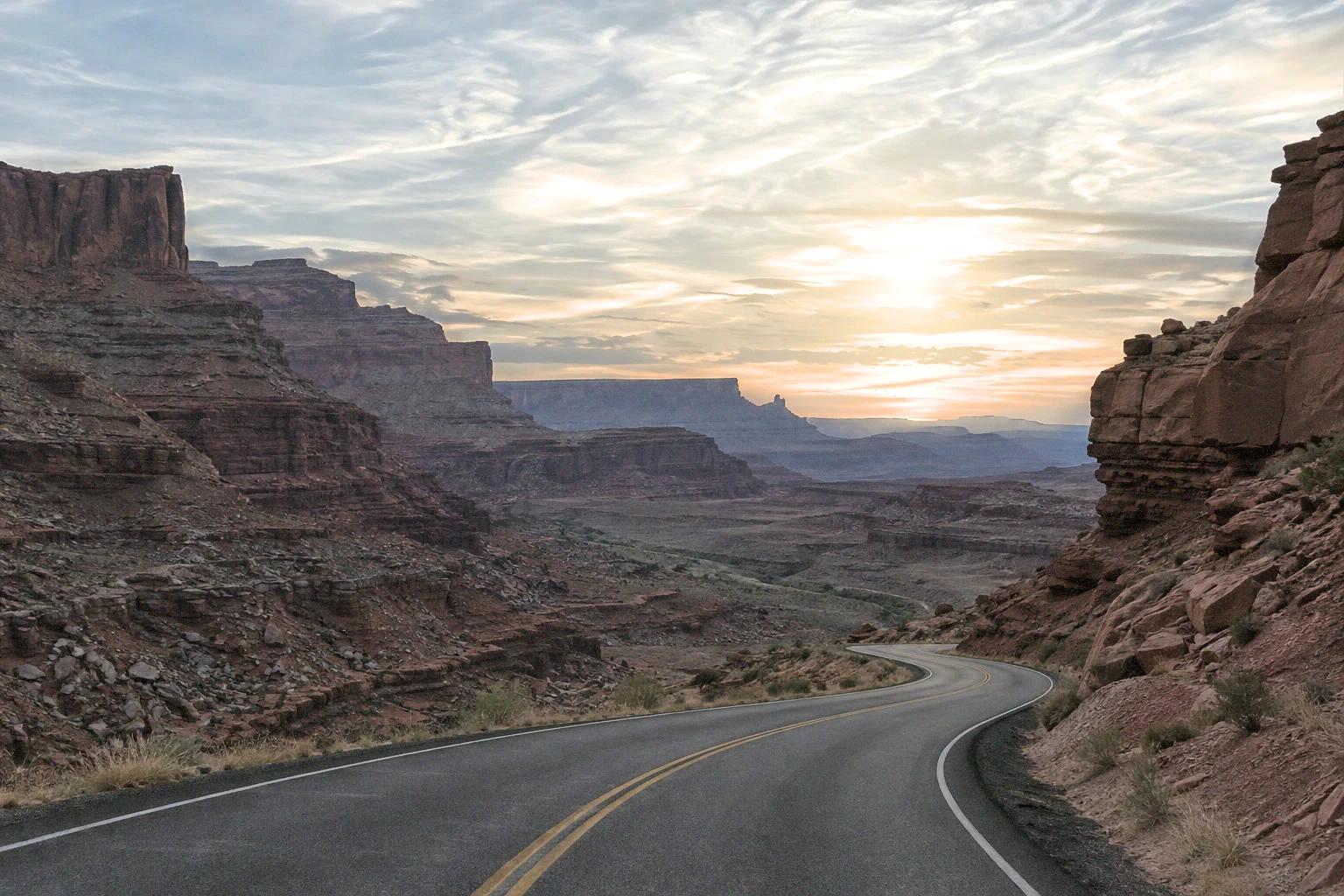 How to merge bracketed exposures into an HDR photoThree exposures in, one photo with open shadows and recovered highlights out.Advanced · 8 min
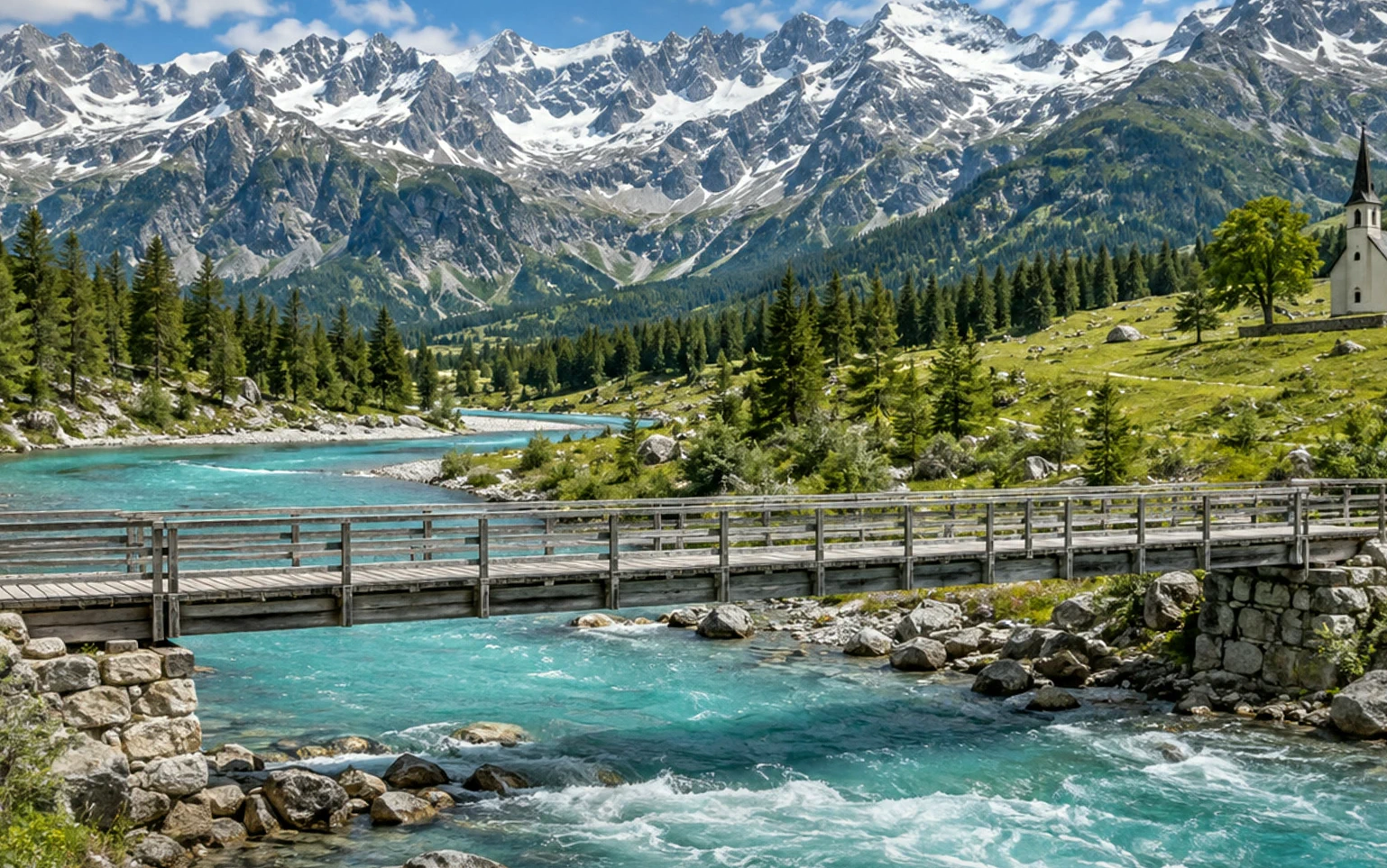 How to stitch photos into a panorama onlineOverlapping photos in, one wide picture out, with no visible joins.Advanced · 7 min
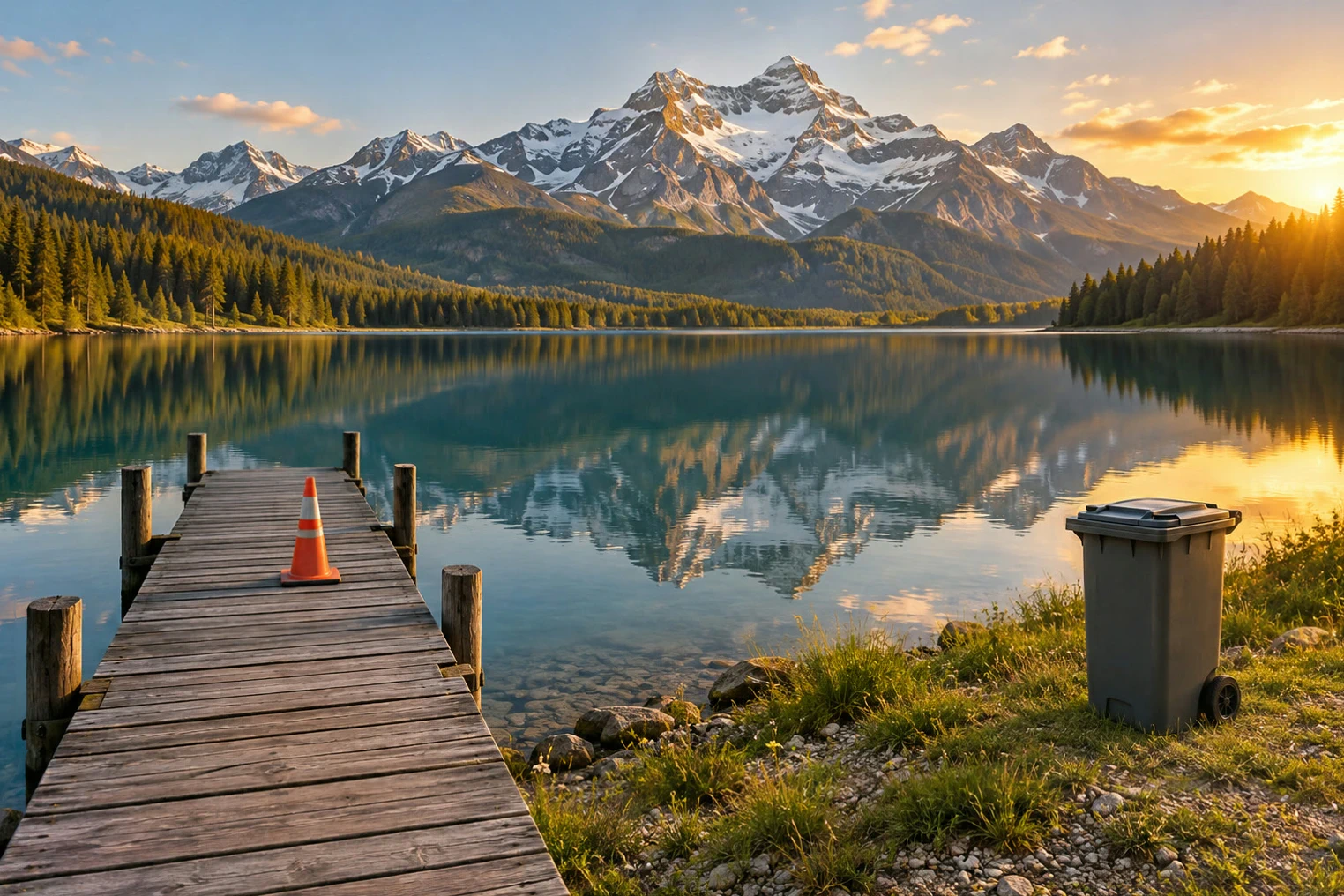 How to focus stack photos online for front-to-back sharpnessSeveral focus distances in, one photo sharp from front to back.Advanced · 6 min
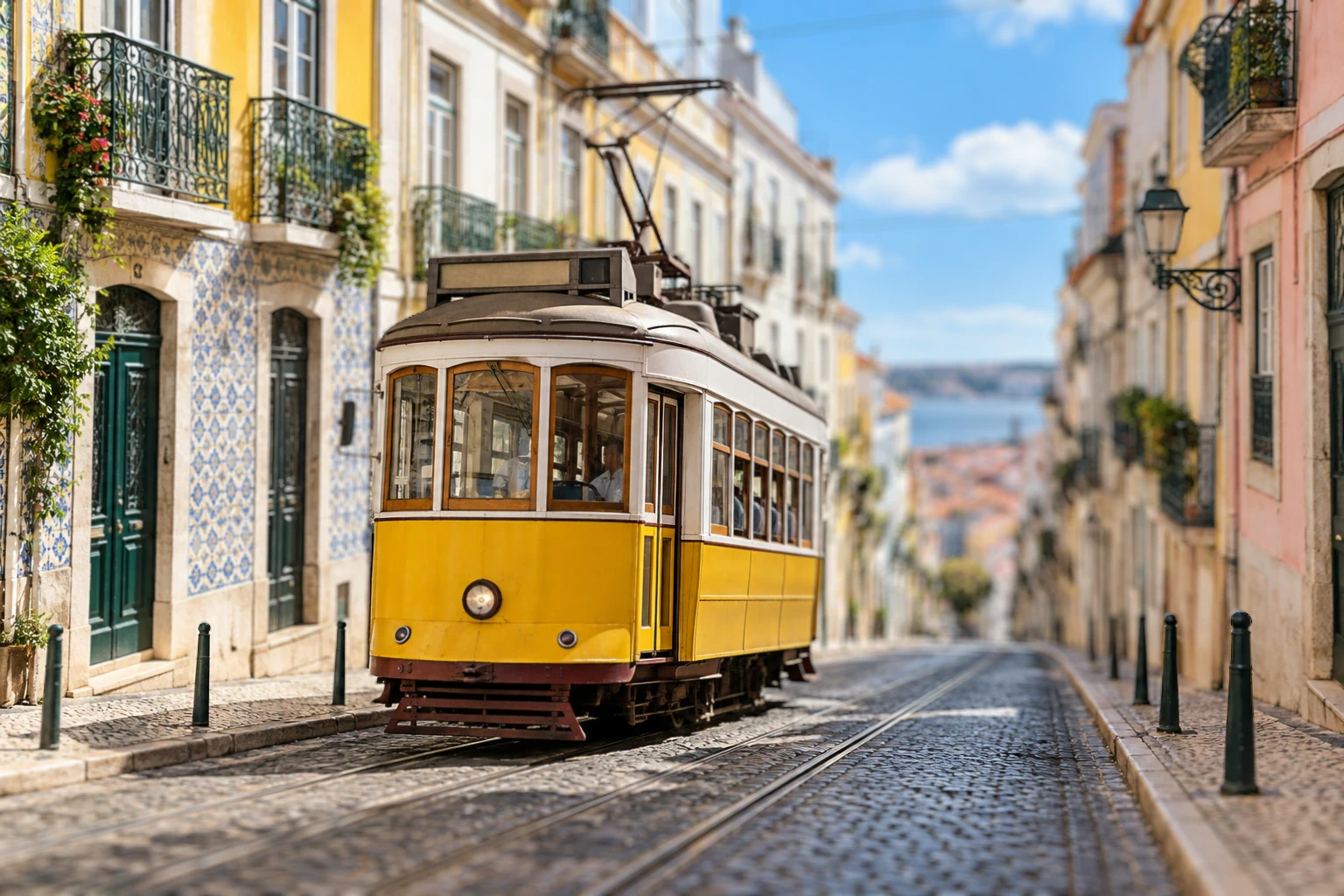 How to use a depth map to blur a backgroundUse estimated distance to keep a subject clearer than its background.Advanced · 7 min